

Must-Have Travel Apps for Japan and How to Prep Your Phone Before You Go
October 23, 2026
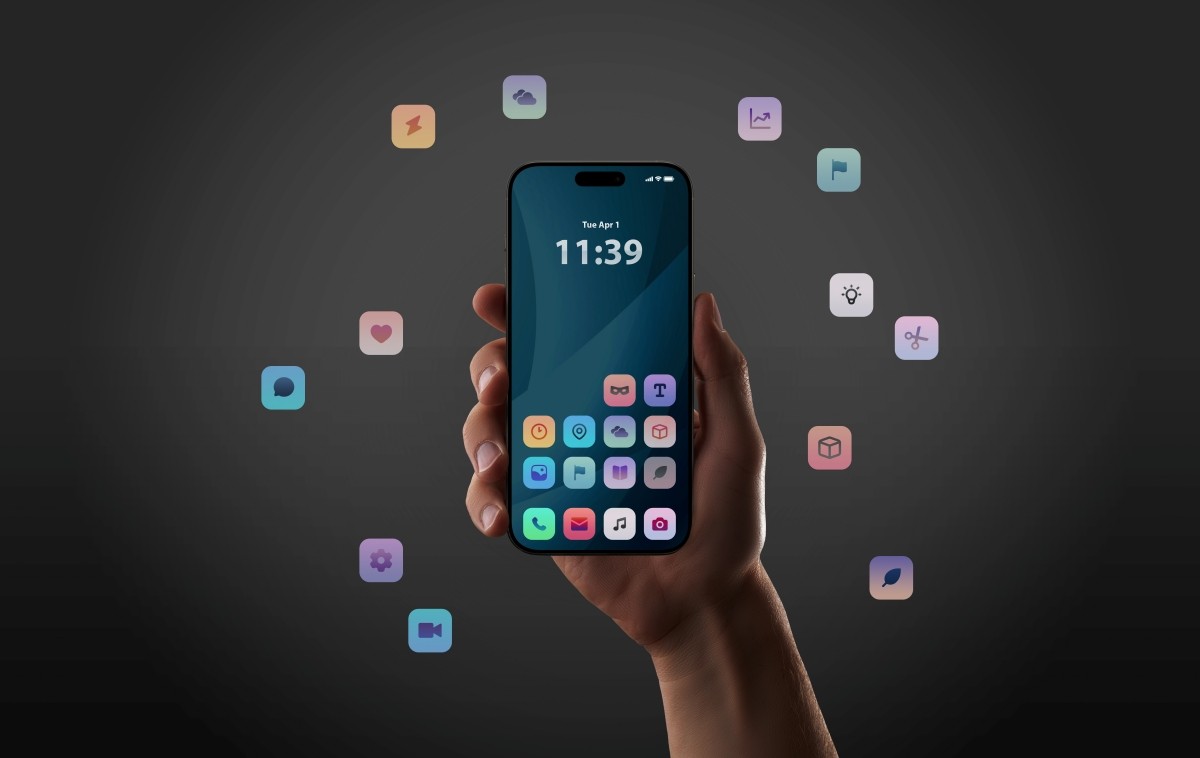
Quick Answer: The essential app lineup for traveling to Japan includes: Google Maps (maps and train directions), Apple Wallet with a Suica card or the Welcome Suica Mobile app on iPhone (transit and shopping), Google Translate with camera features (reading menus and signs), a taxi app like GO, and the Safety tips app to receive earthquake and tsunami alerts in multiple languages. Before your flight, check three things: whether your phone is carrier-unlocked, if it supports eSIM, and which data connection you will use in Japan. Note that most Android phones purchased outside Japan cannot use Suica for ticket gates due to the lack of a FeliCa chip. Below is a detailed breakdown of each app category, their practical limitations, and a preparation checklist.
Before Downloading Apps: Check Your Phone
Apps are only useful when your phone is connected. Start by checking your device hardware and settings.
1. Is Your Phone Carrier-Unlocked?
If your phone was purchased under a carrier contract, it may be SIM-locked, preventing it from accepting SIMs or eSIMs from other carriers. Common ways to check:
- iPhone: Go to Settings → General → About, and look for "Carrier Lock." If it says "No SIM restrictions," your phone is unlocked.
- Android: Checking methods vary by brand; the surest way is to contact your carrier or test by inserting a SIM card from a different network.
2. Does Your Phone Support eSIM?
An eSIM is a digital SIM installed via a QR code or an app, eliminating the need for a physical card. Not all devices support eSIM, and certain device variants sold in specific markets lack eSIM capability. Quick check method: Dial *#06# on your keypad—if an EID code appears on the screen, your phone generally supports eSIM. However, you should still check the service provider's list of compatible devices before purchasing a plan.
3. Does Your Phone Support Japanese Network Bands?
Most modern smartphones work well in Japan, but some domestic models built for other markets may lack specific network bands used by Japanese carriers. If you are using a less common phone model, verify band specifications with your SIM/eSIM provider.
4. Enable Emergency Alerts
Japan has an Earthquake Early Warning system (緊急地震速報) sent directly to mobile phones. Ensure that "Emergency Alerts" or "Wireless Emergency Alerts" in your notification settings is switched on. How these alerts display and function depends on your specific device and carrier.
Navigation & Transit Apps
Google Maps
Google Maps in Japan displays train, subway, and bus routes quite comprehensively, including schedule times, platform numbers, and estimated fares. A few helpful tips:
- Tap individual route segments to view suggested station exit numbers—at major hubs like Shinjuku, Tokyo, and Umeda, taking the wrong exit can add 10–15 minutes of extra walking.
- Download offline maps for the area you are staying in. Offline maps help check your location without network access, though public transit navigation still requires an active internet connection.
- Save your hotel and key destinations to a list, along with their Japanese addresses to show taxi drivers when needed.
Dedicated Transit Apps
In addition to Google Maps, many people in Japan use dedicated route-planning apps such as Japan Transit Planner (Jorudan) or NAVITIME (which offers a tourist-focused version). These apps excel at providing delay updates, recommending optimal train cars for transfers, and calculating routes compatible with specific rail passes. Some advanced features may require a paid subscription.
smartEX — Booking Shinkansen Tickets
If you are traveling along the Tokaido – Sanyo – Kyushu Shinkansen lines (Tokyo – Nagoya – Kyoto – Osaka – Hiroshima – Fukuoka), smartEX is the official online booking service. It features an English interface, allows seat selection, and lets you link your IC card for ticketless gate access.
GO and Taxi Hailing Apps
While you can hail street taxis in Japan, using an app is much faster in residential areas, at night, or during rainy weather. GO is one of the most widely used taxi apps in Japan; Uber also operates in several cities, mainly by dispatching licensed local taxis. Coverage and payment options vary by region, so register and set up your account before you need a ride.
Payment Apps
Suica, PASMO, and ICOCA on Mobile
Transit IC cards are used to ride trains and buses, as well as to pay at convenience stores, vending machines, and various retailers. On mobile devices:
iPhone (Apple Wallet): Open Wallet → tap the + icon → select Transit Card → Suica (or PASMO / ICOCA). Top up using a credit card linked to Apple Pay. Note that some foreign-issued Visa cards may be rejected when adding funds to Suica; if that happens, try a Mastercard or American Express card. Enable "Express Mode" to tap your phone at turnstiles without unlocking it.
Welcome Suica Mobile (iPhone): An app launched by JR East in March 2025 specifically for foreign travelers. You can issue a digital Suica directly within the app without registering personal information. Key limitations to consider:
- Available exclusively for iPhone (and Apple Watch) running compatible OS versions.
- The card is valid for 180 days from the date of issuance.
- Remaining balances are non-refundable.
- Certain features, such as booking Shinkansen or Green Car tickets, are being added progressively by JR East; check current app functionality for details.
Android: To use Suica through transit gates, the device requires a native FeliCa chip (commonly called Osaifu-Keitai). Most Android phones purchased outside Japan lack this chip, and no software setting or app can enable it. If you use an international Android phone, purchase a physical Suica/PASMO/ICOCA card or a Welcome Suica card at the airport.
Contactless Credit Cards
Many stores, convenience stores, and select train or bus lines across Japan accept contactless payments via Visa, Mastercard, JCB, and American Express. However, tap-to-ride support varies significantly by railway company and route, so do not rely on contactless credit cards as a complete substitute for an IC card.
QR Code Wallets
QR code wallets (such as PayPay) are widely popular in Japan, but registration and top-ups typically require a local phone number, a Japanese bank account, or specific qualified cards. For short-term tourists, IC cards and credit cards are much simpler choices. For long-term residents, QR wallets become highly useful tools once a local phone number and bank account are established.
Translation & Communication Apps
- Google Translate: Use camera mode to translate menus, signs, and product labels; use conversation mode for two-way spoken translation. Download the Japanese offline language pack to translate text when disconnected (note that translation quality may be slightly lower than online mode).
- Google Lens: Similar to the camera feature in Google Translate, making it convenient for point-and-search product identification.
- Alternative Translation Apps: Apps like Papago and DeepL can offer more natural phrasing in certain contexts; try them out and stick with the one that best suits your needs.
Pro tip: Save essential notes in Japanese directly on your phone—such as your hotel address, dietary allergies, or current medications—so you can show them to locals without relying on network access.
Dining & Reservation Apps
- Google Maps: Useful for ratings, photos, operating hours, and direct booking buttons for participating venues.
- Tabelog: Japan's premier restaurant review platform, available with an English interface. Tabelog ratings are famously strict compared to global platforms; a venue scoring above 3.5 is generally considered very good.
- Reservation Apps: Some popular restaurants only accept online reservations or bookings handled through third-party services for international guests. Be sure to review cancellation policies and booking hold fees carefully.
Safety & Administrative Apps
Safety tips
Supervised by the Japan Tourism Agency, the Safety tips app delivers early alerts for earthquakes, tsunamis, severe weather, and emergency advisories in multiple languages, including Vietnamese. The app includes disaster action checklists and helpful emergency phrases. This is a highly recommended app to install, especially if you plan an extended stay in Japan.
NHK WORLD-JAPAN
The official news app of NHK provides multi-language news coverage and live updates during natural disasters. It is particularly useful for tracking typhoons or seismic events in real time.
Visit Japan Web
Visit Japan Web is the official digital service provided by the Japanese government for pre-registering immigration and customs information, generating QR codes to present upon airport arrival. Complete registration on the official portal prior to your flight; entry procedures and participating airports are subject to updates.
Summary Table: What to Install & Why
| Need | Recommended App | Internet Required? | Notes |
|---|---|---|---|
| Maps & Transit Routes | Google Maps | Yes (Offline maps available) | Check station exit numbers |
| Train Delays & Transfers | Japan Transit Planner, NAVITIME | Yes | Some premium features |
| Shinkansen | smartEX | Yes | Linkable to IC cards |
| Transit & Shopping | Apple Wallet Suica, Welcome Suica Mobile | Required when topping up | Incompatible with most foreign Androids |
| Taxi Hailing | GO, Uber | Yes | Set up account in advance |
| Translation | Google Translate, Lens | Yes (Offline packs available) | Save essential phrases offline |
| Dining & Reviews | Google Maps, Tabelog | Yes | Check cancellation policies |
| Disaster Alerts | Safety tips, NHK WORLD-JAPAN | Yes | Enable push notifications |
| Immigration / Customs | Visit Japan Web | Yes | Complete prior to departure |
How Much Data Do You Need?
Data consumption varies significantly based on usage habits, so there is no one-size-fits-all figure. Use the guide below to estimate your requirements:
| Activity | Relative Data Usage |
|---|---|
| Text messaging, email | Very Low |
| Maps and transit lookup | Low, but used continuously throughout the day |
| Posting photos to social media | Moderate, scales with upload volume |
| Video calls | High |
| Video streaming, live streams | Very High — the largest data consumer |
| Automatic cloud photo backups | Can be extremely high if left enabled on cellular data |
Money-saving tip: Disable automatic photo backups over cellular data, stream videos at lower resolutions when away from Wi-Fi, and download music, movies, or travel files while on your hotel Wi-Fi network.
If you only plan to use maps, messaging, and moderate social media, a smaller data plan should suffice. If you work remotely, make frequent video calls, or share a hotspot connection with family, opt for a high-capacity plan.
Choosing Connectivity: eSIM, Physical SIM, or Pocket Wi-Fi
| Option | Best Suited For | Key Considerations |
|---|---|---|
| eSIM | Unlocked phones with eSIM support; fast setup while retaining primary SIM | Verify device compatibility list |
| Physical Data SIM | Unlocked phones lacking eSIM support | Requires a physical SIM slot; store original SIM safely |
| Pocket Wi-Fi | Group travel or connecting multiple devices (laptops, tablets) | Requires carrying and recharging an extra hardware device |
HD Telecom provides monthly Data SIMs, eSIMs, and Pocket Wi-Fi plans in Japan on SoftBank or Rakuten Mobile networks, featuring data allowances ranging from light usage to 300GB. These plans carry minimum contract terms—typically 6 months, or starting from 2 months for the 300GB Rakuten plan—and Pocket Wi-Fi options offer device purchase or rental with a security deposit. Consequently, these packages are ideal for international students, technical trainees, corporate professionals, and long-term residents in Japan. Before signing up, use HD Telecom's device check tool to verify phone compatibility; if your visit is only for a few days, please contact customer support for tailored advice.
Pre-Flight Checklist
- Verify that your phone is unlocked and supports eSIM (if choosing eSIM).
- Select and register your connectivity option; if using eSIM, read setup instructions beforehand.
- Install Google Maps and download offline maps for your stay area.
- Add Suica to Apple Wallet or install Welcome Suica Mobile (iPhone); for international Android users, plan to purchase a physical IC card.
- Install Google Translate and download the offline Japanese pack.
- Install a taxi app and set up your payment method.
- Install Safety tips, grant notification permissions, and enable emergency alerts in device settings.
- Complete Visit Japan Web registration (for incoming travelers) and save the generated QR code.
- Save your hotel address in Japanese, emergency phone numbers, and travel insurance details.
- Pack a portable power bank and suitable plug adapters (Japan uses Type A two-flat-pin plugs at 100V).
Frequently Asked Questions
Does Google Maps work well in Japan? Yes. Google Maps provides detailed train and bus routes, timetables, and station exit guidance. Consider supplementing it with a dedicated transit app in cases of severe train delays or line disruptions.
Can Android phones use digital Suica? Only if the device contains a native FeliCa chip (Osaifu-Keitai), which is generally restricted to Android models sold within Japan. Most international Android phones lack this hardware, so using a physical IC card is recommended.
Can I get a refund for remaining balances on Welcome Suica Mobile? No. Remaining funds are non-refundable, and the card expires after 180 days, so top up only what you plan to spend.
Do I need a mobile data plan if my hotel offers Wi-Fi? Hotel Wi-Fi is only accessible while inside your room. Since map navigation, translation, and messaging are most crucial while exploring outdoors, having an independent cellular data connection is far more convenient.
Will an eSIM affect my primary SIM card? On dual-SIM compatible devices, you can keep your primary physical SIM active to receive phone calls or SMS messages while assigning cellular data to the eSIM. Be sure to disable data roaming on your primary SIM line to avoid unexpected roaming fees.
Which app helps during an earthquake? Safety tips sends advisories and step-by-step instructions in multiple languages, including Vietnamese. Additionally, ensure emergency broadcast alerts are turned on in your device settings.
Conclusion
Setting up your phone for a trip to Japan takes minimal time when done before your departure: confirm carrier unlock status and eSIM support, select your preferred data connection, and install essential apps for navigation, payments, translation, taxi hailing, and emergency alerts. With everything prepared in advance, your smartphone will serve as a reliable guide, interpreter, and digital wallet throughout your stay.
Related products
Find your plan with HD TELECOM
SIM, eSIM and Pocket WiFi — genuine quality, clear pricing, 24/7 support.
Using Your Phone During Earthquakes and Disasters in Japan: Alerts, 171, 00000JAPAN Wi-Fi, and Battery Saving Tips
SMS and Call Scams in Japan: How to Spot Them, Stay Safe, and What to Do If You've Been Scammed

Smartphone Fireworks Photography and Videography: 12 Tips for Blur-Free Shots

Going to a crowded festival without losing each other: a communication guide when the network is congested