HD TELECOM
Monthly eSIM data

Get online in Japanwithout a physical SIM

HD Telecom's monthly eSIM suits anyone living, studying or working in Japan who needs dependable daily internet.

  • Fast activation
  • No physical SIM
  • Billed monthly

From

$16.00/month

(tax included)

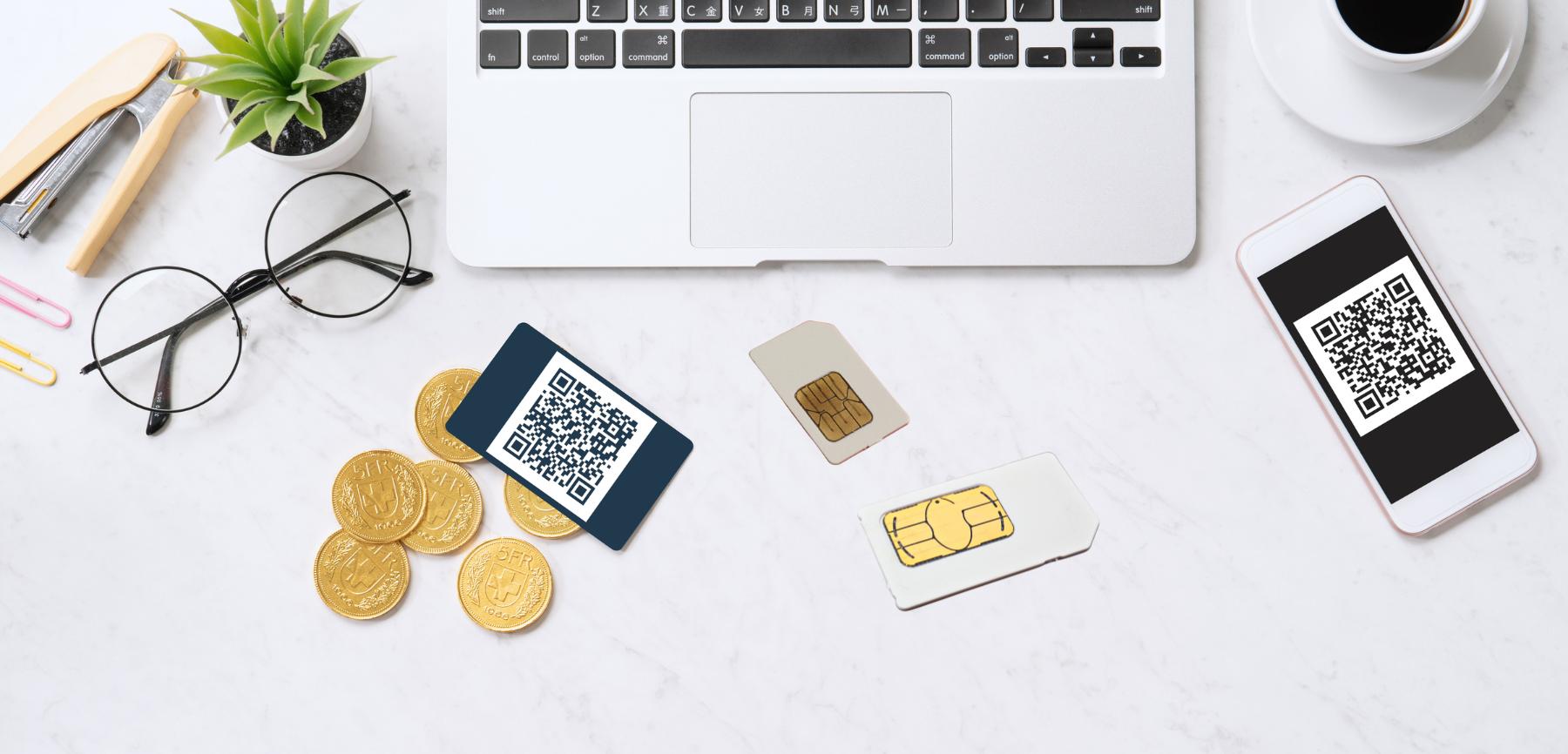
QR code by email • Scan and you are online

Get online in Japan
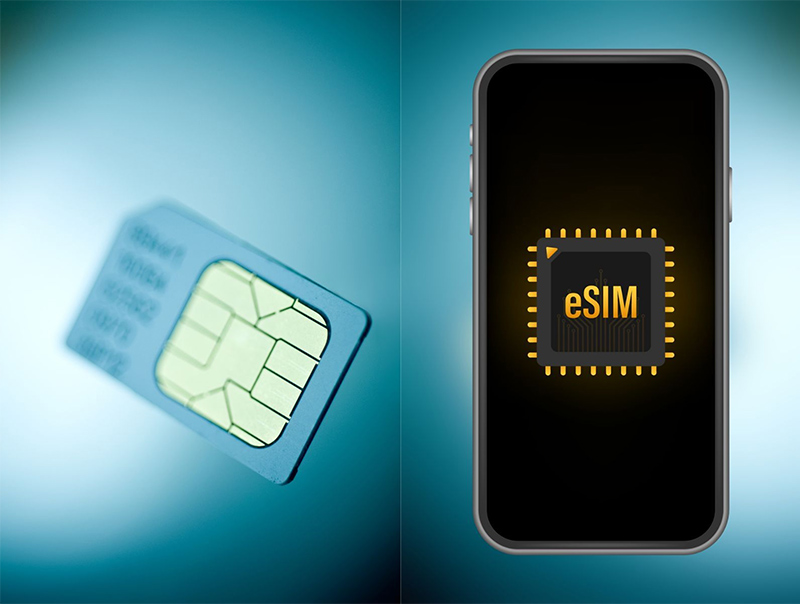
  • No physical SIMInstall straight on your phone — nothing to wait for.
  • Flexible monthly plansFor residents, students and working professionals.
  • Several data sizesPick 50GB, 100GB or 300GB to suit you.

Monthly eSIM data plans

Monthly data allowance • Billed monthly • No standard voice calls

SoftBank

50GB/month

$16.00/month

Everyday browsing, social media, music and moderate video.

  • SoftBank network
  • 50GB of data per month
  • eSIM — no physical card needed
  • No standard voice calls
  • Setup guide in VI / EN / JP
Quantity
1
MOST POPULARSoftBank

100GB/month

$19.20/month

For online study, work, video, video calls and frequent social media.

  • SoftBank network
  • 100GB of data per month
  • eSIM — no physical card needed
  • No standard voice calls
  • Setup guide in VI / EN / JP
Quantity
1
Rakuten

300GB/month

$22.40/month

For heavy daily use: video, online work and hotspot sharing.

  • Rakuten network
  • 300GB of data per month
  • eSIM — no physical card needed
  • No standard voice calls
  • Setup guide in VI / EN / JP
Quantity
1
Note: This is a data-only eSIM. Standard voice calls are not supported.

Made for everyday use

  • Study and work online
  • Browsing, news and look-ups
  • Social media: Facebook, Instagram, TikTok
  • Video and music
  • Video calls on LINE, Messenger, WhatsApp
  • Share a hotspot with other devices

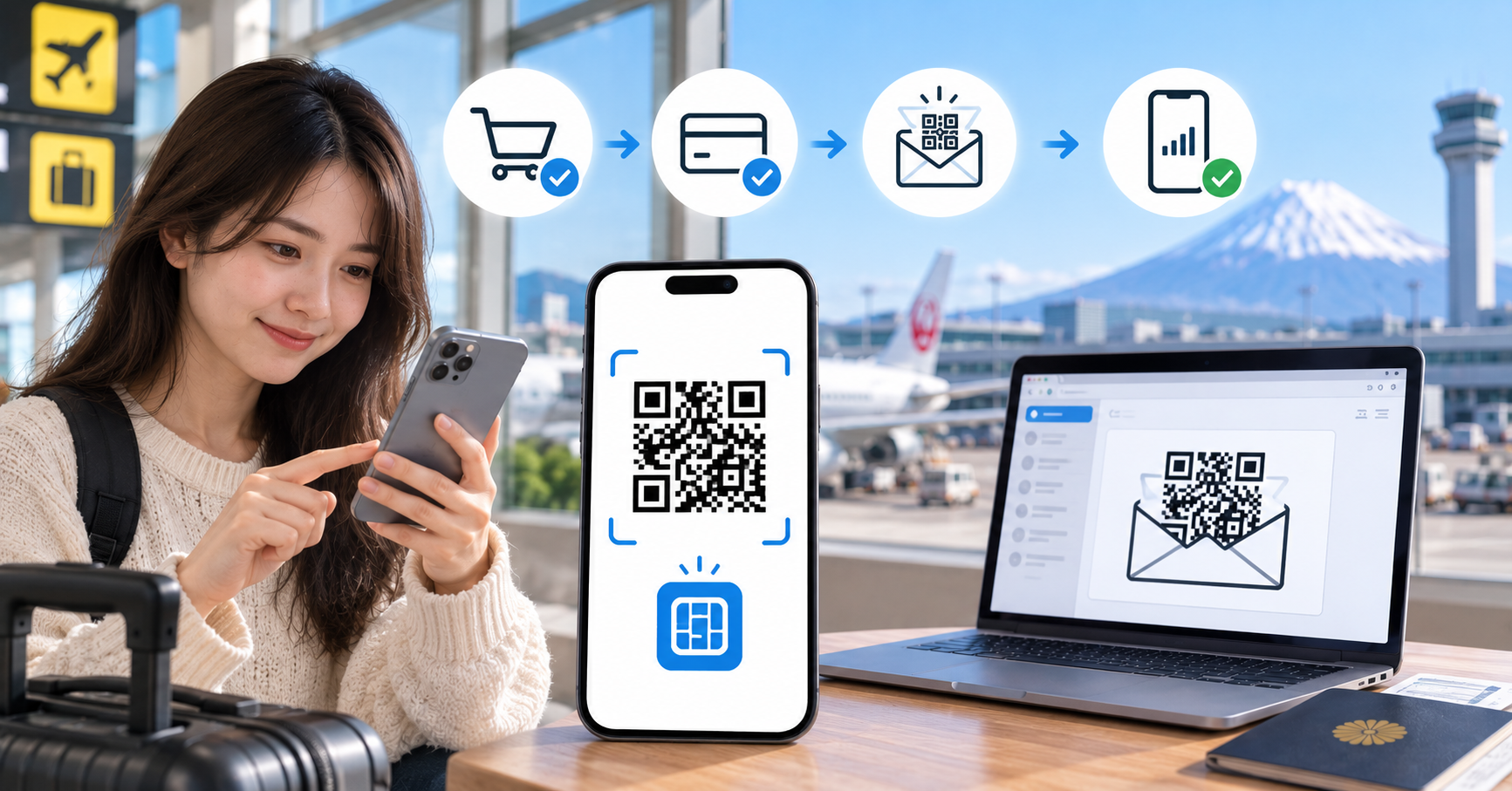
How the eSIM works

  1. 1Choose a planPick the plan that fits.
  2. 2Pay onlineCard, PayPal, PayPay, Combini or VietQR.
  3. 3Receive your eSIMAn email with your QR code and setup steps.
  4. 4Install the eSIMScan the QR code or install directly on the phone.
  5. 5Start using itYou are online as soon as setup completes.

Important notice

  • This is a data-only eSIM; standard voice calls are not supported.
  • Before buying, please check that your phone supports eSIM.
  • Your phone must not be carrier-locked.
  • You need a WiFi connection while installing the eSIM.
  • Do not delete the eSIM after installation without guidance from HD Telecom.

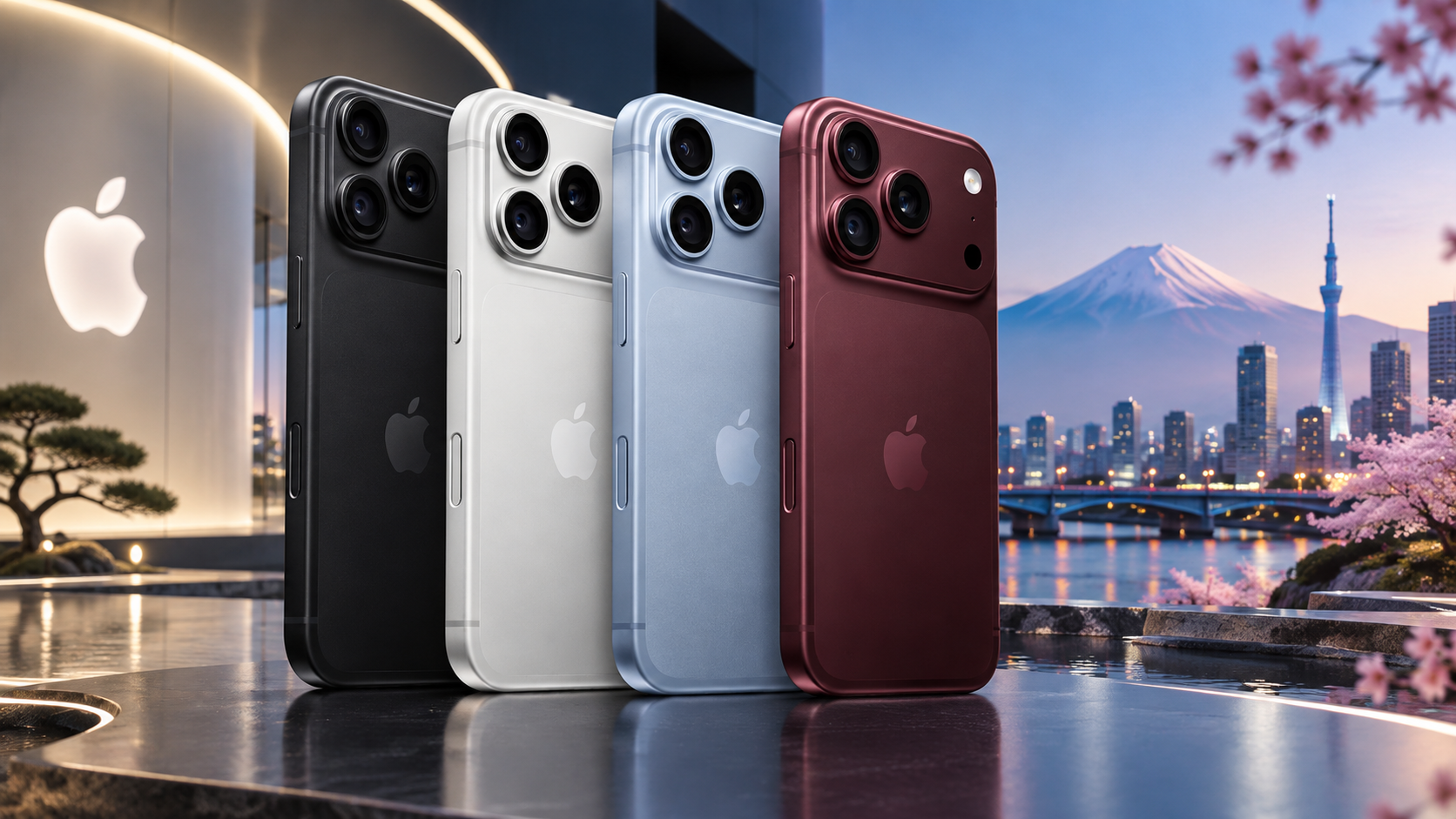
Your device must support eSIM

You will need a device with eSIM support.

  • eSIM-capable iPhone
  • Selected Google Pixel models
  • Selected Samsung Galaxy models
  • Other eSIM-capable Android devices

Frequently asked questions

Useful articles

See all articles
  • What is an eSIM and how does it work?

    2024-02-28 · 5 min read

  • Installing an eSIM on iPhone with only one phone

    2024-03-10 · 6 min read

  • SoftBank eSIM or Rakuten eSIM?

    2024-03-18 · 7 min read

  • How to save mobile data in Japan

    2024-03-25 · 6 min read

Ready to use an eSIM in Japan?

Pick a plan and get monthly internet in Japan.