When Does HD Telecom Send the eSIM QR Code to Customers? A Detailed Guide
September 7, 2026
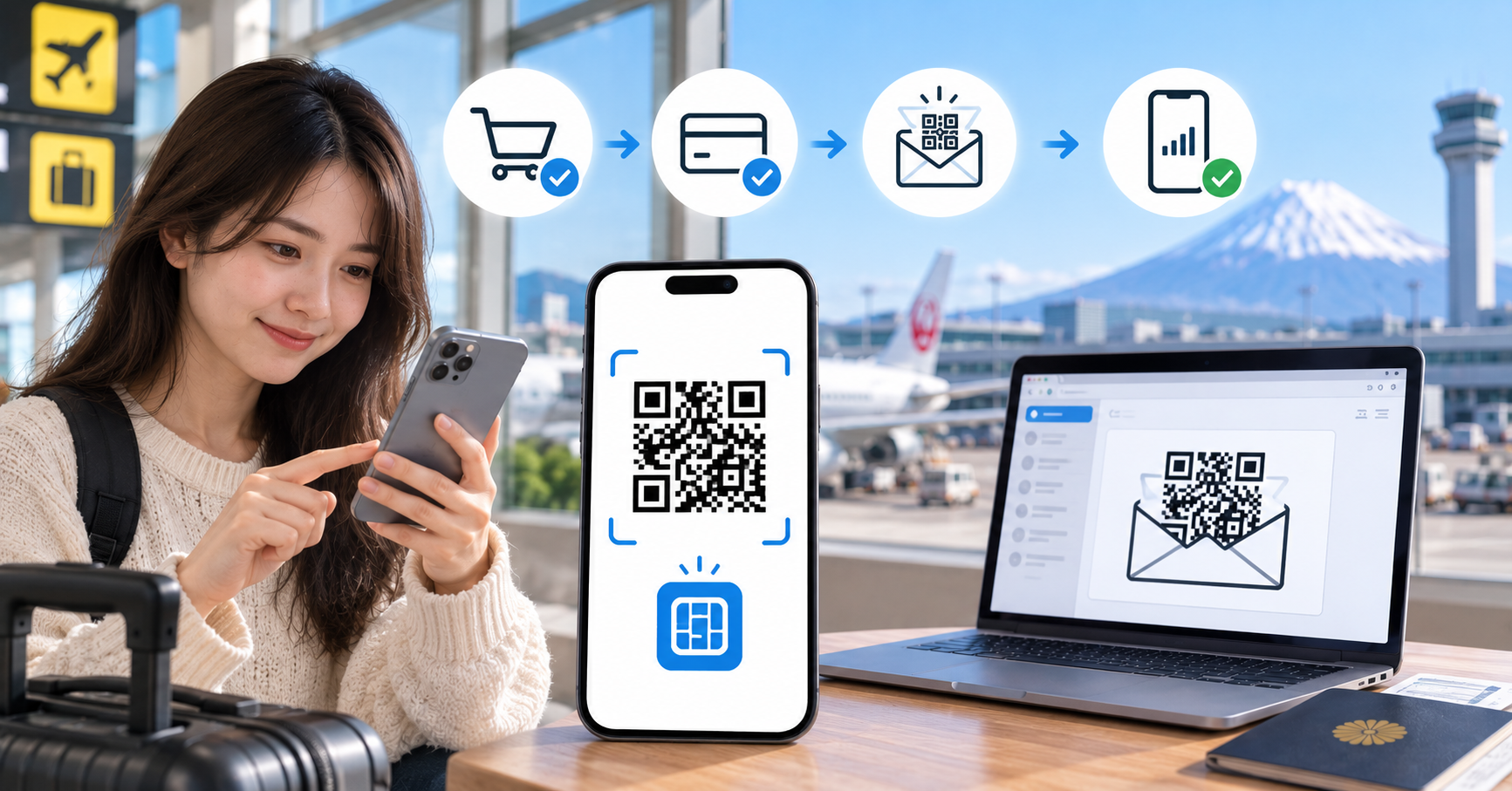
Quick Answer
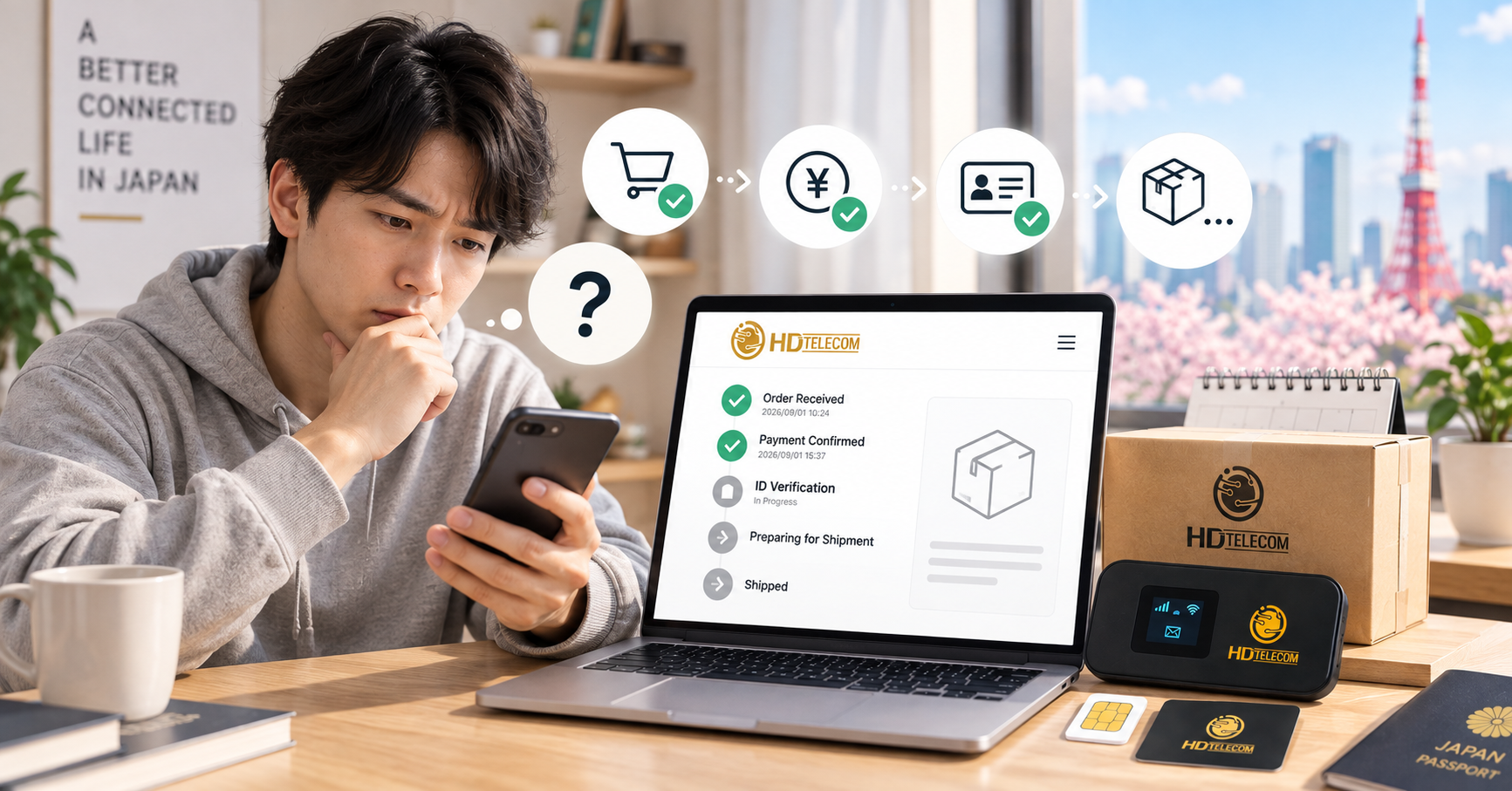
HD Telecom issues your eSIM QR code after your payment has been confirmed. If you pay and confirm during business hours (10:00–19:00 JST), the QR code is usually sent within tens of minutes to a few hours on the same day. If you order in the evening, on one of our days off (Wednesdays and Sundays) or a Japanese public holiday, or transfer money outside banking hours, your QR code will be sent the next business morning once staff verify receipt of payment.
Important note: with HD Telecom data-only eSIMs (internet only, no voice calling phone number), you do NOT need to submit ID documents—no residence card, no passport, and no student ID required. This is why data-only eSIMs are issued significantly faster than voice SIMs.
Who This Guide Is For
This guide is written for anyone waiting for an eSIM QR code who wants to know exactly when to expect it:
- Those who just ordered a monthly data eSIM at HD Telecom and are concerned because they haven't received an email yet.
- International students, technical interns, and engineers newly arrived in Japan who need internet connectivity on day one to contact their school or company.
- Travelers flying to Japan soon who want to prepare their eSIM in advance so they have an active connection right upon landing.
- Current users of another SIM that is expiring or looking to switch to eSIM, needing to time the QR code delivery to align with their start date.
- Anyone wondering why their friend had to submit a residence card while they didn't.
When This Does NOT Apply
The information below does not apply to the following cases:
- Voice SIMs (with a 070/080/090 phone number): Under Japanese law, SIM cards with voice calling functionality require mandatory identity verification. Processing takes longer and requires ID submission.
- Physical SIM cards: Physical SIMs are delivered by postal mail; delivery time depends on shipping rather than online QR delivery. See Monthly Data SIMs.
- Pocket WiFi: These are hardware devices that must be physically shipped. See Monthly Pocket WiFi.
- Devices that do not support eSIM or are carrier-locked (SIM lock): Even if you receive the QR code, you will not be able to install it. Please check your device compatibility before ordering.
- Unpaid orders or mismatched payments: If our system has not recorded the payment, the QR code cannot be issued, even if the order was placed days ago.
Step-by-Step: From Ordering to Receiving Your QR Code
- Choose a suitable eSIM plan. Go to the Monthly eSIM page and select a data allowance based on your needs (high-data plans if you stream lots of video; smaller plans if you just need messaging and maps).
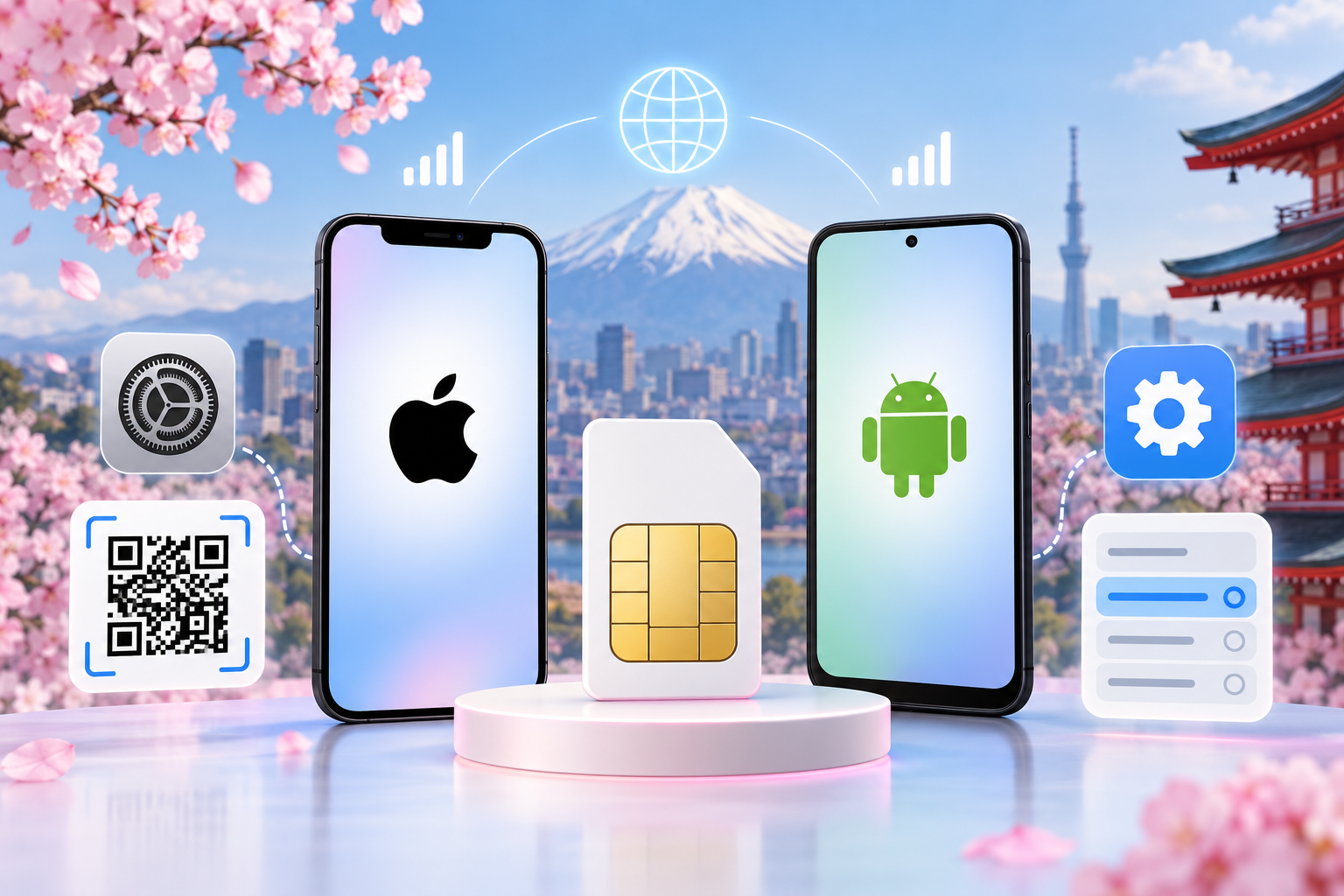
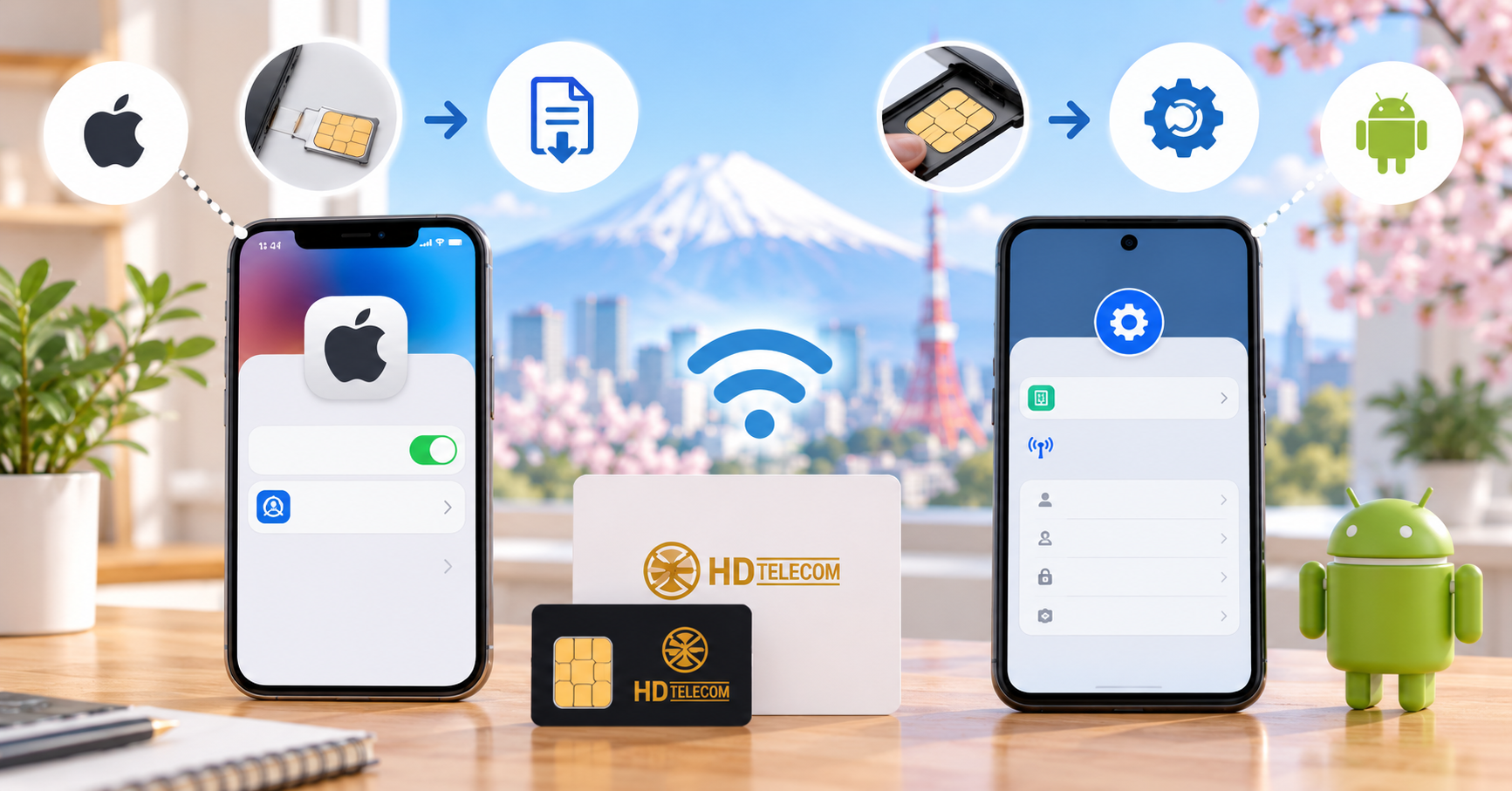
- Check if your device supports eSIM. On iPhone: Go to Settings → General → About, and scroll down to check for an "EID" number. Having an EID means your phone supports eSIM. On Android: Go to Settings → Connections / Mobile Network, and check for an "Add eSIM" or "Add mobile plan" option.
- Enter your order details. The most critical details are an accurate email address and your contact handle (Zalo/LINE/Messenger), as the QR code will be delivered through these channels. A single typo in your email means you won't receive anything.
- Select your start date. If you haven't arrived in Japan yet or don't want to use it immediately, clearly state your desired activation date so our staff can configure it properly, preventing your plan from starting early and losing active days.
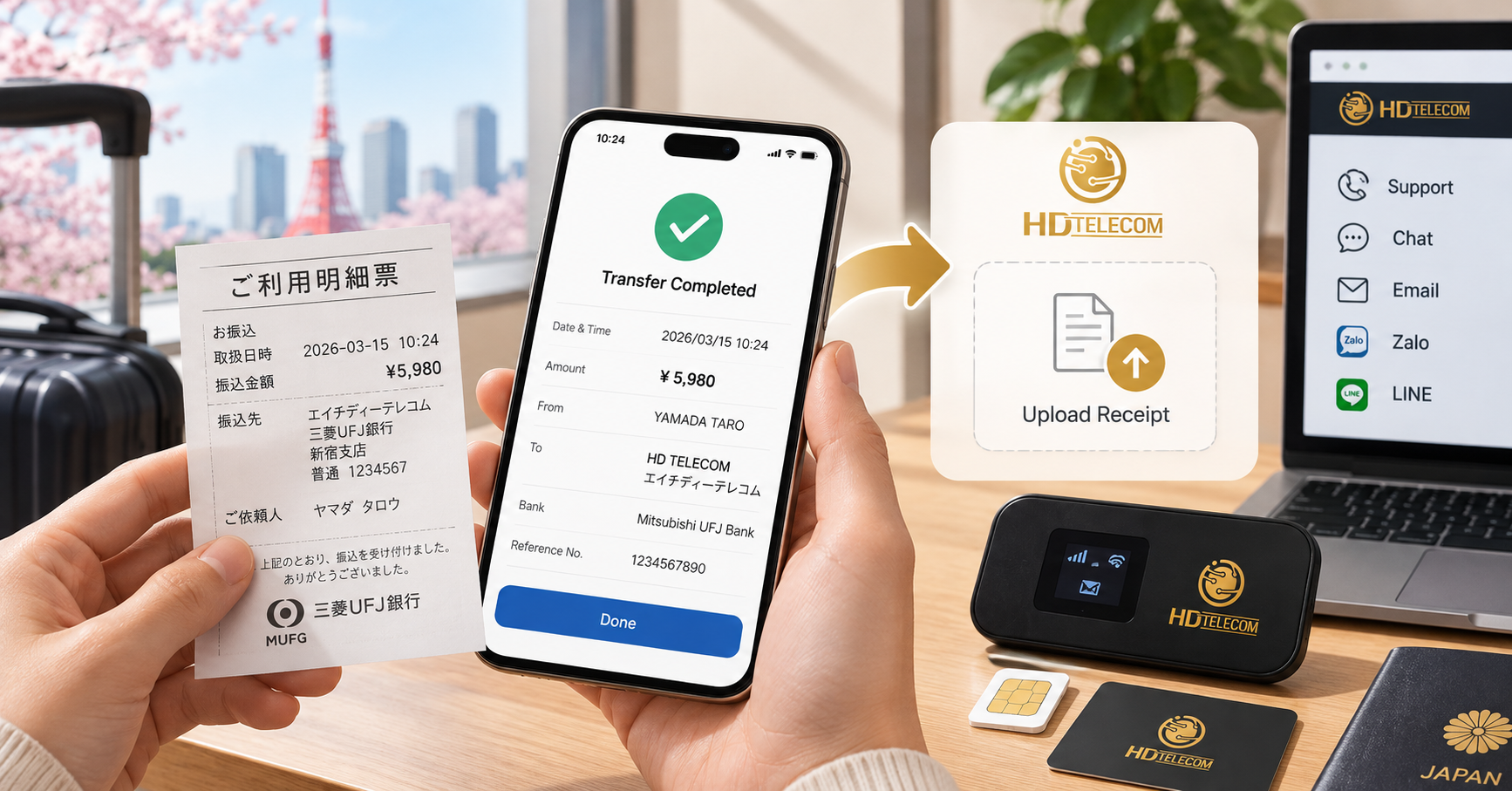
- Make payment. You can pay via Japanese bank transfer, at convenience stores (combini), or other payment methods detailed on our Support page. After transferring, take a screenshot or photo of your receipt and send it to our team for faster verification.
- HD Telecom confirms payment. This is the key milestone that determines when you get your QR code. Japanese banking systems do not always post transfers immediately, especially outside business hours and on weekends.
- Receive your eSIM QR code. The QR code along with setup instructions will be sent to your registered email and/or messaging app.
- Scan the QR code and install. Your phone must be connected to Wi-Fi or another network to download the eSIM profile. Scan it through your mobile network settings, follow the on-screen prompts, and turn on Data Roaming if required by the carrier.
- Check connection. Turn off Wi-Fi and try loading any webpage. If it loads, your eSIM is working.
Crucial note: Each eSIM QR code can typically be installed only once. If you delete the eSIM profile or reset your phone, the original code usually cannot be reused and a reissue must be requested (fees may apply). Save the QR code image somewhere safe, but only scan it when you are truly ready to use it.
Required Documents
For HD Telecom data eSIMs: You do not need to submit any documents. No Residence Card (在留カード), no passport, no student ID, and no employment certificate required.
Why Are Documents Not Required for Data eSIMs?
Japan's Act on Prevention of Illegal Mobile Phone Use (携帯電話不正利用防止法) mandates identity verification specifically for services with voice calling capabilities—meaning SIM cards that come with a voice phone number. Data-only SIMs and eSIMs fall outside this mandatory identity verification scope, allowing providers to issue them immediately without collecting ID documents.
This offers distinct advantages for newcomers to Japan:
- You can purchase one even if you don't have your Residence Card yet (newly arrived, waiting on paperwork).
- You can use it normally even if your Residence Card is near expiration or pending renewal.
- No need to photograph and send personal IDs online—enhancing personal data security.
- Processing time is cut from several days down to a few hours, as there is no manual document review required.
What Do You Need to Prepare?
- An eSIM-compatible, unlocked device.
- A functioning email address (remember to check your spam/junk folder).
- A Wi-Fi connection during eSIM installation.
- Payment information—or a transfer receipt if paying via bank transfer.
What If You Sign Up for a Voice SIM?
In that case, identity verification documents are legally required: a valid Residence Card, passport, and in some cases proof of address. Processing also takes longer due to the document screening stage.
Fees & Pricing
eSIM pricing depends on your selected data plan and duration. The table below outlines the possible costs associated with issuing your QR code:
| Item | Fee Charged? | Notes |
|---|---|---|
| Initial QR code delivery | No | Included in plan price |
| Resending QR code due to lost email | Usually free | If the code hasn't been installed yet |
| Reissuing a new eSIM profile (due to deletion/phone reset) | May incur a fee | Requires issuing a brand-new eSIM profile |
| Bank transfer fee | Yes | Charged by your bank, not HD Telecom |
| Shipping fee | No | eSIM is delivered online; no shipping fees |
Specific pricing for each data plan varies depending on current promotions. Please check updated rates at Monthly eSIM or our complete Product Catalog. If you are staying in Japan long-term and want to optimize costs, our 12-Month Prepaid Plan is typically more cost-effective than month-to-month billing.
Turnaround Time: How Long Does It Take to Get the QR Code?
The timeline does not start when you place the order, but from the moment HD Telecom confirms your payment. This is a frequent point of confusion and anxiety for customers.
| Payment Timing | Estimated QR Code Delivery Time |
|---|---|
| Business days (Mon, Tue, Thu–Sat), during business hours (10:00–19:00 JST) | Usually within tens of minutes to a few hours, same day |
| Business days, in the evening after hours | Next business morning |
| Wednesdays, Sundays (our days off), and Japanese public holidays | Next business day (Wednesday → Thursday; Sunday → Monday) |
| Bank transfers made outside banking hours | Once the bank clears the transfer, usually the next business day |
| Orders with a future scheduled start date | Sent prior to your start date so you have time to install it |
Why the difference? Because most waiting time stems from payment verification rather than generating the eSIM itself. Interbank transfers in Japan made outside working hours may only post on the following business day. If you need it urgently, please send a photo of your transfer receipt to our team right after sending payment—this significantly speeds up verification.
Does the QR Code Have an Expiration Date?
Yes. eSIM profiles usually have a specific installation window, after which the code may expire and require reissuance. Therefore, once you receive the code, install it as soon as possible rather than saving it for too long. If you order several weeks before flying to Japan, clearly communicate your travel dates so our staff can schedule the issuance appropriately.
Where to Apply / How to Complete the Process
The entire eSIM process can be completed online—there is no need to visit a physical store:
- Order online: On the Monthly eSIM page on the HD Telecom website.
- Receive the QR code: Via your registered email and/or messaging app (Zalo, LINE, Messenger), depending on your contact method.
- Payment support and tutorials: Available on our Support page.
- In-person support: At the HD Telecom office in Shin-Okubo, Tokyo—if you are nearby and want in-person setup assistance, feel free to contact us in advance to schedule an appointment.
You can install the eSIM anywhere as long as you have Wi-Fi. Many customers install it right at Narita or Haneda Airport using free airport Wi-Fi and are connected immediately.
Common Issues & Troubleshooting
1. Entering the wrong email address
This is the most common mistake. A misplaced dot or missing letter will cause the email to bounce. If your QR code hasn't arrived within the expected window, first verify that you entered your email correctly, then notify our support team.
2. The email ended up in Spam or Promotions
Gmail often filters messages containing attachments or images into Spam or Promotions folders. Check all your folders before assuming it wasn't sent.
3. Entering the wrong reference memo during bank transfer
If you transfer funds without including the correct name or order ID in the transfer memo, it is difficult for staff to match the transaction to your account, resulting in delays. Always include the requested memo and retain your receipt.
4. Scanning the QR code without an internet connection
Installing an eSIM requires downloading a profile from the carrier's server to your device, meaning a Wi-Fi or cellular data connection is mandatory. Without an internet connection, your phone will show an error such as "Unable to Add Cellular Plan."
5. Deleting the eSIM profile and attempting to reinstall it
QR codes are generally one-time use. Once deleted, the eSIM profile is lost and must be reissued, potentially incurring a fee. Take extra caution if you plan to reset or switch devices—consult our team beforehand.
6. Carrier-locked device (SIM lock)
Phones financed through Japanese carriers or purchased second-hand overseas may be network-locked and cannot accept eSIMs from other carriers. Ensure your device is unlocked before ordering.
7. Data roaming is not enabled
Some eSIM plans operate via domestic roaming connections. If data roaming is disabled, your phone may show signal bars but have no data access. Go to Settings → Cellular/Mobile → select your eSIM profile → turn on "Data Roaming."
8. Ordering a data plan but expecting phone calls
Data-only eSIMs do not have a phone number and cannot receive SMS verification codes from banks or government agencies. If you need a Japanese phone number to open a bank account or apply for jobs, choose a voice SIM from a mobile carrier.
Frequently Asked Questions
If I order an eSIM in the evening, will I get the QR code tomorrow morning?
Generally yes, provided the payment has cleared and the following day is a business day for us. Because we are closed on Wednesdays and Sundays, an order placed on a Tuesday evening receives its QR code on Thursday, and one placed on a Saturday evening receives it on Monday. If you make a bank transfer in the evening, the bank may only process the funds the following morning, so the QR code will be delivered during that morning or that business day.
Do I need to submit a Residence Card for an HD Telecom data eSIM?
No. Data-only eSIMs have no voice calling capabilities, so they are not subject to mandatory identity verification under Japanese regulations. All you need is an email address and payment.
Can I buy an eSIM before arriving in Japan?
Yes. Make sure to specify your flight date and desired start date so our staff can time the QR code delivery accordingly, avoiding plan days expiring before you land in Japan.
Can one QR code be used on two devices?
No. Each QR code is strictly for a single device and can generally only be scanned once.
If I accidentally delete my eSIM, can it be reissued for free?
It depends on the circumstances. If the code was never installed, it can usually be resent for free. If the profile was already installed and then deleted, issuing a new profile may incur a reissuance fee. Please contact our support team for confirmation.
How long after scanning the QR code until I have internet access?
Usually just a few minutes. Once installed, turn off Wi-Fi and load a webpage to test it. If there's no internet, try restarting your phone and verifying that Data Roaming is turned on.
What if my phone doesn't support eSIM?
You can choose a physical SIM instead. Check out our Monthly Data SIMs or Pocket WiFi if you want to connect multiple devices.
What should I do if the expected delivery window has passed and I haven't received my QR code?
Follow these steps: (1) Check your Spam/Promotions folder; (2) Verify that you entered your email address without typos; (3) Confirm that your payment transfer went through successfully; (4) Contact HD Telecom with a screenshot/photo of your payment receipt for rapid assistance.
References & Sources
- Ministry of Internal Affairs and Communications (総務省 / MIC) – Identity verification regulations for mobile phone services with voice functionality under the Act on Prevention of Illegal Mobile Phone Use (携帯電話不正利用防止法).
- Official eSIM setup guides from Apple ("Set up cellular service with eSIM") and Google for Android devices.
- HD TELECOM order fulfillment and payment workflow – see our Support page.
- Current plan information at Monthly eSIM and our Product Catalog.
Disclaimer: Legal regulations and carrier policies are subject to change. The turnaround times mentioned above reflect standard operating procedures and may vary during holidays or periods of peak order volume. Please reconfirm with HD TELECOM customer support before placing an order if your need is urgent.
Source Review Date
Content last reviewed and updated: June 2025. (Editor note: Please update the exact date before publication and cross-check pricing and turnaround times against current internal workflows.)
Need an eSIM Today?
If you've just arrived in Japan or urgently need internet access without a Residence Card, a data eSIM is your fastest choice because no paperwork is required—order, verify payment, receive your QR code, scan, and you're connected.
- Explore plans and order at Monthly eSIM.
- Phone doesn't support eSIM? Choose a Monthly Data SIM.
- Questions about payment or bank transfers? Visit our Support page.
If you're still not sure which plan fits your needs best, feel free to message HD TELECOM—we offer consultations in Vietnamese with zero sales pressure.
Related products
Find your plan with HD TELECOM
SIM, eSIM and Pocket WiFi — genuine quality, clear pricing, 24/7 support.