Is plug-and-play Home WiFi suitable for rental apartments?
September 7, 2026
Quick Answer
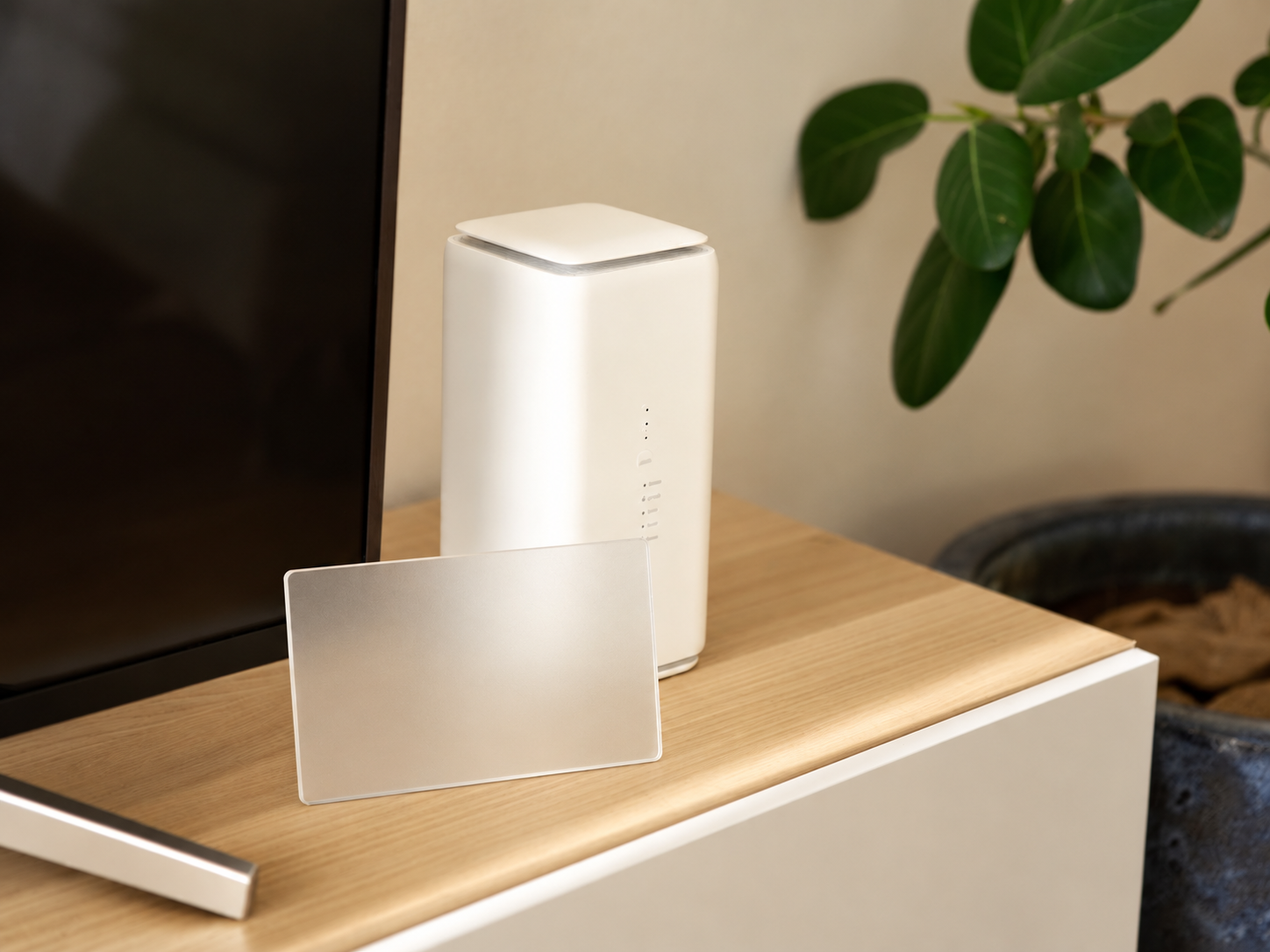
Yes, Home WiFi (home router / ホームルーター) is very well-suited for rental housing in Japan because it is plug-and-play, requires no wall drilling or fiber-optic installation, and does not require permission from your landlord or property management company. It is the most sensible choice for short-term tenants, share house residents, or anyone unsure of how long they will stay at their current address.
However, Home WiFi runs exclusively on cellular networks, meaning speeds depend on signal coverage in your area, and you cannot use the device outside your registered address. If you need internet access both at home and while commuting to work or school, monthly pocket WiFi or a monthly data SIM will offer much greater flexibility.
Who This Guide Is For
This article is written for foreign residents living in Japan who are considering setting up internet in a rental apartment. Specifically:
- International students, technical interns, specified skilled workers, and company employees newly arrived in Japan who have just moved in and need internet access within 1–2 days.
- Renters living in older apartments/mansions without pre-installed fiber-optic lines (光回線) in the building.
- Residents of share houses or company dormitories who are not permitted to authorize construction work.
- Tenants with short-term rental leases (6 months – 1 year) or those subject to potential job relocation.
- Moderate internet users: streaming YouTube/Netflix, making video calls to Vietnam, taking online classes, and doing light office work.
If you fall into these groups, Home WiFi is usually the best-balanced option in terms of speed, cost, and simplicity.
When It Is NOT Recommended
Home WiFi is not suitable if you find yourself in the following situations:
- You need ultra-stable internet with low latency (ping): competitive online gaming (FPS, MOBA), live stream selling, or daily video editing requiring heavy file uploads. In these cases, fiber-optic internet (光回線) is recommended if the building allows it.
- Your room is on a low floor, in a basement, or in a weak signal area: thick concrete buildings, apartments deep inside alleys, or ground-floor units shaded by high-rises often suffer from poor reception, causing speeds to drop significantly in the evening.
- You need to take your internet outside: Home WiFi is geo-locked to your registered address. Using it elsewhere violates contract terms and may result in service suspension. For portable needs, choose pocket WiFi instead.
- You will only be in Japan for a few months: many Home WiFi plans finance the device cost over 24–36 months, meaning you must pay off the remaining balance if you leave early. For short stays, a monthly data SIM or monthly pocket WiFi is a much safer option.
- Your room already provides free building WiFi (many newer mansions or share houses include internet in the rent)—there is no need to install an additional service.
- Multiple people using the connection simultaneously (4–6 people in a share house streaming video at night): cellular bandwidth will be split, leading to slowdowns; fiber-optic should be prioritized here.
Step-by-Step Guide
The process of setting up Home WiFi in Japan typically takes anywhere from 15 minutes (for paperwork) to a few days (waiting for device delivery):
- Check network coverage at your home address. Go to the official carrier website (docomo home 5G, SoftBank Air, WiMAX by UQ/au, etc.), enter your postal code and address to see if your area has good 5G/4G coverage. This is the most critical step—skipping it often leads to regret.
- Compare plans. Check monthly rental fees, device costs, contract terms, cancellation fees, and whether there are data caps (most are marketed as "unlimited," but speeds may be throttled under heavy usage over short intervals).
- Check with your landlord / management company if unsure. While Home WiFi almost never requires permission because there is no installation work, you should still notify management if you live in a company dormitory.
- Sign up at a carrier store, major electronics retail store (Yamada, BicCamera, Yodobashi), or online. Accurately declare your device installation address—this is the exact address where the device is authorized to work.
- Receive the device. The router will be delivered by courier (typically 2–7 days), or you can take it home immediately if purchased in-store with available stock.
- Plug in and use. Plug in the power cable, wait 3–10 minutes for the router to acquire a signal, find the WiFi network name (SSID) and password printed on the bottom of the device or on the included setup card, and connect your phone or laptop. No additional setup is required.
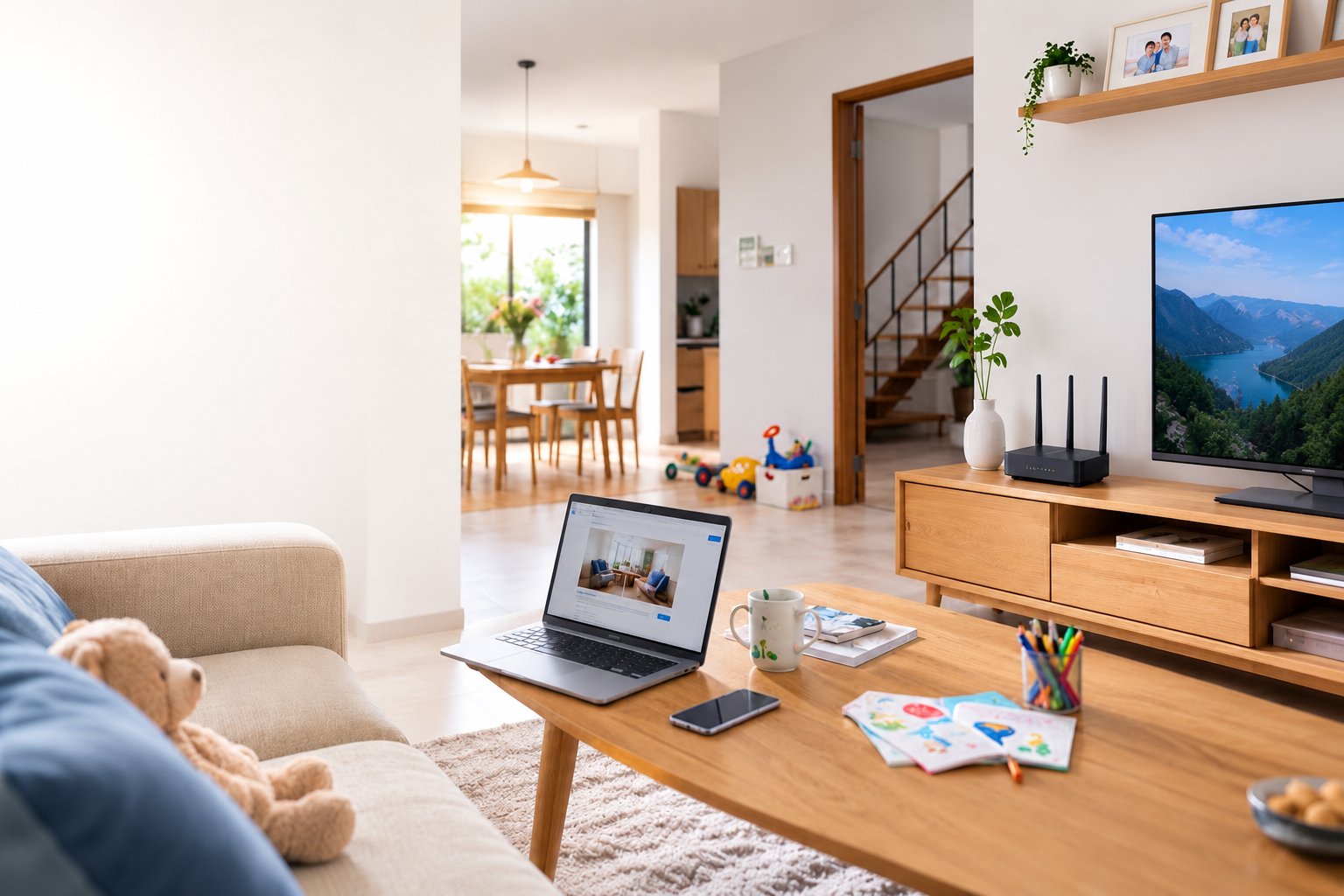
- Optimize device placement. Place it near a window, on an elevated surface (shelf or cabinet), and away from thick concrete walls, microwaves, and refrigerators. Router positioning can alter connection speeds several times over.
- Test speeds during the first 8 days. Many plans offer an "8-day cancellation" policy if reception in your home is too poor (under the 初期契約解除 system). Run speed tests during peak evening hours (8:00 PM – 11:00 PM) to see real-world performance.
Required Documents
When applying for Home WiFi in Japan as a foreign resident, you will generally need:
- A valid Residence Card (在留カード)—mandatory. Some carriers require a sufficient remaining period of stay, or may restrict payment methods if your card is near expiration.
- Passport (some locations request this for cross-verification).
- A credit card in your name, or a bankbook/cash card + personal seal (inkan) to set up automatic direct debits.
- A current address matching your residence card. If you recently moved and have not updated your address at the ward/city office, complete that step first.
- A Japanese contact phone number to receive confirmation calls and delivery notices.
If you do not have a credit card or a Japanese bank account yet, signing a long-term contract with a major carrier will be difficult. During this period, a practical alternative is to use a prepaid or monthly data SIM or pocket WiFi paid via bank transfer or convenience store (konbini)—payment options are detailed on our support page.
Costs and Fees
The figures below are estimated reference ranges; carriers adjust pricing frequently, so always verify on official websites before signing:
| Item | Home WiFi (home router) | Fiber-Optic (光回線) | Pocket WiFi |
|---|---|---|---|
| Initial fee | Around ¥3,000–¥4,000 administrative fee | Installation fee around ¥15,000–¥40,000 (often waived via promotions) | Usually low or ¥0 |
| Device cost | Around ¥20,000–¥72,000, usually split into 24–36 monthly installments with bill credits | Modem/ONU usually rented | Usually rented with the plan |
| Monthly fee | Around ¥4,000–¥5,500 | Around ¥4,000–¥6,000 (apartments are cheaper than detached homes) | Around ¥3,000–¥5,000 depending on data allowance |
| Time until active | 2–7 days (waiting for device) | 2 weeks – 2 months (waiting for installation) | 1–3 days |
| Landlord permission needed | No | Usually required | No |
| Usable on the go | No | No | Yes |
Easily overlooked costs:
- Remaining device installments if you cancel before the payment schedule is complete—this is the biggest financial trap for tenants.
- Early termination fee (waived by many modern plans, but some still charge around ¥4,000–¥10,000).
- Relocation fee when moving—usually free upon notification, but some providers charge a small administrative fee.
- Electricity cost: the device is plugged in 24/7; consumption is minor, but adds up to a few hundred yen per month.
Contract Terms and Turnaround Times
Time until online: online applications usually deliver the device within 2–7 business days; in-store purchases with available stock can be taken home and plugged in on the same day. Compared to fiber-optic internet requiring technician visits (2 weeks to 2 months, and even longer during the peak moving season of March–April), this is the single greatest advantage of Home WiFi.
Contractual commitments:
- While many plans no longer enforce 2-year contracts, device financing over 24 or 36 months acts as a practical commitment.
- Device discounts are usually credited month-by-month—canceling early means losing any remaining promotional credits.
- 8-Day Initial Cancellation Right (初期契約解除制度): under regulations set by Japan's Ministry of Internal Affairs and Communications (総務省), you can cancel telecommunications contracts within approximately 8 days of receiving contract documents. However, prorated usage charges and device fees may still apply depending on the carrier. Ask staff for clarification and retain all paperwork.
Where to Apply
You can sign up for Home WiFi at:
- Carrier retail stores (docomo shop, SoftBank shop, au shop, UQ spot): best if you want face-to-face explanations, though most staff speak Japanese only. Booking an appointment online in advance is advised to avoid long waits.
- Major electronics retail stores: Yamada Denki, BicCamera, Yodobashi Camera, Edion. The advantage is being able to compare multiple carriers at once, often with store point incentives.
- Online application via official carrier or agency websites: frequently offers cashback promotions, but requires you to carefully review contract terms yourself.
Regarding device usage location: the router may only be used at the specific address declared in the contract. When moving, you must access your account portal (My docomo, My SoftBank, my UQ mobile, etc.) or contact customer support to change your registered address before taking the device to your new home.
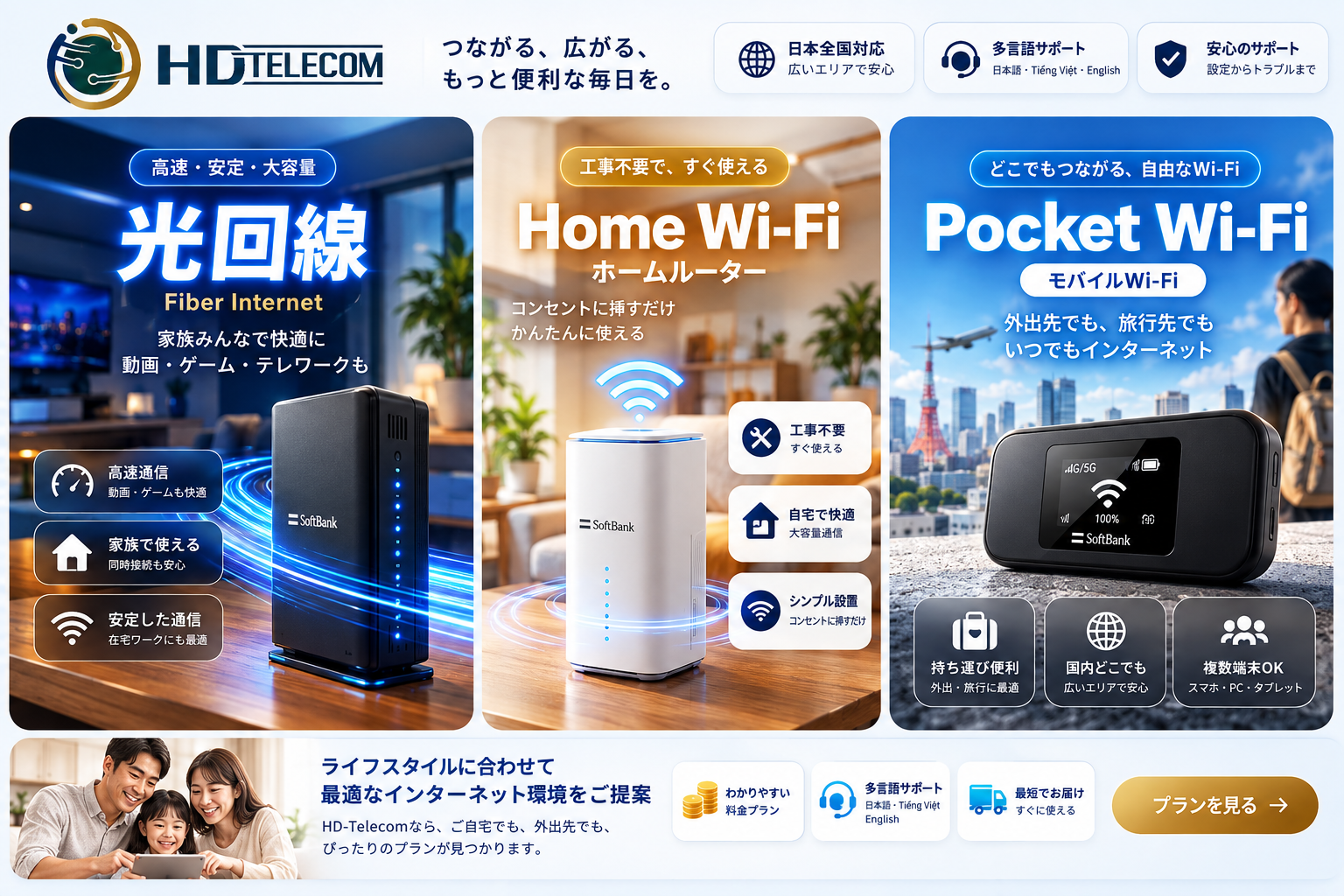
If you need a solution that requires no store visits, no credit card, delivers straight to your door, and works both at home and on the go, check out the product catalog from HD TELECOM.
Common Mistakes to Avoid
1. Signing a contract without checking signal coverage at your address
This is the most common mistake. Coverage maps display theoretical regional averages, while actual reception inside your room depends on window direction, wall thickness, floor level, and surrounding buildings. Always test speeds during your first few days and utilize the early cancellation right if performance is unacceptably poor.
2. Assuming "no contract term" means canceling is completely free
There may be no contract termination penalty, but you still owe the remaining device balance. Many people return to Vietnam after one year and are billed tens of thousands of yen for unpaid equipment. Ask directly: "If I cancel after 12 months, what is the exact total amount I will have to pay?"
3. Taking the device to a different region or to a friend's house
Home WiFi routers are geo-locked to your address. Using them at an unregistered location may cause your connection to be cut off or treated as a breach of contract. If mobility is a priority, choose a portable device from the start.
4. Forgetting to update your address when moving
Foreigners in Japan move quite frequently. Moving without notifying your provider can stop the device from working, and bills or critical notices will continue to be sent to your old address.
5. Placing the device poorly and assuming the network is slow
Placing the router on the floor, inside a cupboard, behind a TV, or directly against a concrete wall will severely degrade speeds. Try placing it up high, near a window, and run another speed test before filing a complaint.
6. Sharing a single home router across an entire share house
Mobile bandwidth split among 5–6 people streaming video in the evening will slow down dramatically. In a share house, having each person use their own individual data SIM on their phone is often cheaper and much more effective.
7. Not reading the fine print on "unlimited data"
"Unlimited" almost always comes with conditions permitting speed throttling during peak network congestion or when an exceptionally large amount of data is consumed over a short period. If you download hundreds of gigabytes of games every month, clarify this policy beforehand.
Frequently Asked Questions
Do I need my landlord's permission to use Home WiFi?
Generally no, because it requires no drilling, no wiring, and no construction—you simply plug it into a wall outlet. If you live in a company dormitory or a share house with its own internal rules, notifying management in advance is recommended.
What is the difference between Home WiFi and pocket WiFi?
Both run on cellular networks. Home WiFi is wall-powered, used indoors only, and features larger antennas that deliver better speeds, greater stability, and higher device capacity. Pocket WiFi is battery-powered, portable anywhere, and ideal if you need internet access during your commute or classes. See more about monthly pocket WiFi.
Can I take my Home WiFi with me when I move?
Yes, but you must submit an address change notification with your carrier before using it at your new residence. This is usually done online and is free in most cases. Ensure your new address also falls within the network coverage area.
Is Home WiFi fast enough for online classes and video calls to Vietnam?
In areas with strong reception, a 5G home router typically achieves several tens to hundreds of Mbps—more than enough for Zoom, Google Meet, Messenger, Zalo video calls, and Full HD Netflix streaming. Issues generally only arise in weak signal zones or during peak evening hours.
I am only staying in Japan for 6 months. Should I get Home WiFi?
Generally not, because device installments over 24–36 months will drive up your total costs. For shorter stays, a flexible monthly data SIM or monthly pocket WiFi is safer and more economical.
Can I sign up without a Japanese credit card or bank account?
With major carriers, this is very difficult because they require automated payment setups. While waiting to open an account, you can use SIM or pocket WiFi plans payable via bank transfer or at convenience stores (konbini); payment options are listed on our support page.
What should I do if the signal at home is too weak after signing up?
First, try repositioning the router higher up and closer to a window. If that fails, exercise your right to cancel within approximately 8 days of receiving your contract confirmation documents (初期契約解除) and confirm any outstanding charges with the carrier.
How many people can comfortably use one Home WiFi router?
Technically, these devices allow 30–60 simultaneous connections, but for a smooth experience, 2–3 active users is ideal. If 4 or more people plan to stream video concurrently in the evening, fiber-optic internet is a better option.
References
- NTT docomo Official Website — "home 5G" service (contract terms, device pricing, coverage verification).
- SoftBank Official Website — "SoftBank Air" service (plan pricing, registered address terms).
- UQ WiMAX / au Official Website — 5G home router series (coverage areas, bandwidth control policies).
- Ministry of Internal Affairs and Communications (総務省) — Guidelines on the Initial Contract Cancellation System (初期契約解除制度) and consumer protection rules for telecommunications services.
- Terms of Service (利用規約) of respective carriers — sections governing installation addresses and cancellation fees.
Note: plan pricing, promotional campaigns, and contract conditions from Japanese telecom providers change frequently. Before signing, always verify current details directly on the carrier's official website or consult store staff, and ask them to clearly specify your total costs across 12/24 months.
Information Verification Date
The contents of this article were verified against publicly available information from Japanese telecom operators on June 15, 2025. If you are reading this after that date, please reconfirm the latest rates and contract conditions.
Next Steps
In summary: if you rent a home in Japan and need fast internet without dealing with construction work or landlord approvals, Home WiFi is a sensible choice—provided your area has strong network coverage and you will stay long enough to avoid being burdened by device installments.
If you are staying short-term, move frequently, do not have a credit card, or need internet access both at home and while commuting, HD TELECOM offers simpler solutions: monthly pocket WiFi to share at home and carry everywhere, and a monthly data SIM or monthly eSIM if you only need data on your phone.
Feel free to explore our full product catalog, or message HD TELECOM's Vietnamese customer support team via our support page for recommendations tailored to your location. No need to decide right away—reach out and get all your questions answered first.
Related products
Find your plan with HD TELECOM
SIM, eSIM and Pocket WiFi — genuine quality, clear pricing, 24/7 support.