How Long Does It Take to Install Home WiFi in Japan? Timeline & Costs
September 7, 2026

Quick Answer
Setting up fixed home Wi-Fi (hikari fiber-optic internet) in Japan typically takes anywhere from 2 weeks to 2 months from the date of application. If you live in an apartment where fiber-optic infrastructure is already installed in the building, the process usually takes 2 weeks to 1 month. If you live in a detached house (single-story, rented standalone house) or a building without existing infrastructure, it generally takes 1 to 2 months.
During the peak moving season in Japan (around February to April), NTT's installation schedule is often fully booked, and the waiting time can extend to 2 to 3 months. Therefore, while waiting for internet installation, most newly arrived foreigners temporarily use a data SIM or pocket Wi-Fi to stay connected.
Who This Guide Is For
This article is for you if:
- You are an international student, technical intern, engineer, or worker who has just moved into a rental home in Japan and wants to set up a shared Wi-Fi network for the whole household.
- You are sharing an apartment and want to know how long it will take to get connected so you can split the bill with your roommates.
- You need a stable internet connection for online classes, Zoom meetings, gaming, or streaming—activities where heavy mobile data usage would be costly.
- You are preparing to move and want to plan ahead so that internet is ready on the day you move in.
- You want to understand the real costs (installation fees, monthly charges, cancellation fees) before signing a contract.
This article is written from the perspective of a foreigner living in Japan who may not be fluent in Japanese and rents rather than owns a home.
When This Does NOT Apply
You do not need to read further or should avoid installing fixed-line internet if any of the following apply:
- The building already comes with free internet (インターネット無料 / ネット完備). Many modern apartments include internet in the rent; you simply need to ask the management company for the Wi-Fi password or plug a LAN cable into the existing wall jack. Paying for an additional connection is a waste of money.
- You live in a school dormitory or company dormitory. These typically provide shared internet, and you are not permitted to drill walls or run external cables.
- You are staying for less than 1 year. Hikari contracts typically require a 2-year commitment, and early cancellation often incurs penalties. In this situation, a monthly pocket Wi-Fi or monthly data SIM is much more practical.
- The landlord does not permit installation work. Many older buildings, wooden houses, or historically preserved properties do not allow wall drilling or running cables along the balcony.
- You relocate frequently (technical interns changing companies, engineers moving across project sites). Transferring a hikari contract to a new address also incurs fees and requires going through the entire installation wait time again.
If you fall into any of the above situations, check out our monthly pocket Wi-Fi or monthly data SIM options—no installation required, no long-term commitments.
Step-by-Step Process
The process of setting up fixed internet in Japan is largely the same across all providers. Here are the 8 steps in order of how they happen in practice:
- Check if the building has fiber-optic infrastructure. Ask the property management company (管理会社) or landlord: "「光回線は入っていますか?」" (Is fiber-optic internet installed?). Alternatively, check the NTT East/West website using your address. If the building already has the infrastructure installed (mansion type / マンションタイプ), both setup time and costs are significantly reduced.
- Get permission from your landlord in writing or via saved messages. Specifically confirm whether drilling walls or running cables in from the balcony is allowed. This is a step many people overlook, leading to last-minute installation cancellations.
- Choose a provider and plan. Popular options include: Flet's Hikari (NTT East/West), docomo Hikari, SoftBank Hikari, au Hikari, NURO Hikari, So-net, and OCN. If you currently use a mobile SIM from one of these carriers, getting their hikari plan often qualifies you for a phone bill discount (set discount / セット割).
- Apply for a contract. You can apply online, by phone, or at an electronics retail store counter (Yodobashi, BicCamera, Yamada). For those not yet confident in Japanese, visiting a store counter with an interpreter is the safest approach.
- The provider contacts you to schedule an inspection/installation date. Usually within 3–7 days after applying, they will call or send an SMS. You must answer the phone—if they cannot reach you, your application will be put on hold.
- Receive your equipment by mail. The ONU modem (and router if you rent one) will be shipped to you before or on the day of installation.
- Installation day. A technician visits your home, taking about 1–2 hours. An adult aged 18 or older must be present at home. For apartments with existing wiring, sometimes you only need to plug in the equipment yourself without a technician visit (no construction needed / 工事不要).
- Set up the router and broadcast Wi-Fi. Enter the ID/password sent by your provider (in the "開通のご案内" notification letter) into your router, set your Wi-Fi network name and password, and you are ready to use the internet.
Required Documents
Foreigners registering for fixed internet in Japan are typically asked to provide:
- A valid Residence Card (在留カード)—the most essential document. Some providers will reject applications if the card has less than 3 months of validity remaining.
- Passport (required as a supplementary document by some providers).
- Exact home address, including room number and building name as officially registered (copied from your lease agreement or the back of your Residence Card).
- Payment method: A credit card in your name, or a Japanese bankbook + personal seal (hanko) to set up automatic bank transfers (口座振替).
- An active Japanese phone number—so the provider can call to confirm the installation schedule. If you do not have one yet, this is why you should secure a voice call SIM before handling any administrative procedures in Japan.
- Landlord's consent—some providers require a written confirmation form, while others only ask verbally, but having written proof is strongly advised.
Note: The name on the internet contract should match the name on the rental lease, or at least belong to someone legally residing at that address. Registering under someone else's name can lead to complications when canceling or requesting warranty support.
Costs
The cost of installing and using fixed internet consists of 3 parts: initial fees, monthly charges, and cancellation fees. The figures below reflect typical market rates for reference—please confirm exact pricing with the provider at the time of your application.
| Item | Apartment (マンションタイプ) | Detached House (戸建てタイプ) |
|---|---|---|
| Contract registration fee | approx. 880 yen | approx. 880 yen |
| Installation fee | approx. 19,800 yen | approx. 22,000 yen |
| Monthly fee (including ISP fee) | approx. 4,000–5,000 yen | approx. 5,200–6,500 yen |
| Wi-Fi router rental (optional) | approx. 330–550 yen/month | approx. 330–550 yen/month |
| Early contract cancellation fee | approx. 4,000–10,000 yen | approx. 5,000–10,000 yen |
Regarding installation fees: Many providers offer "¥0 installation" campaigns—which in reality divides the installation cost into monthly installments and applies a discount of that exact amount each month. Important note: If you cancel the contract early, the remaining unpaid installments will be billed in a lump sum. This is the most common cost trap for foreigners living in Japan for under 2 years.
Quick calculation: If 2 people live together and split a 4,500 yen apartment internet bill, each person pays about 2,250 yen/month for unlimited data—cheaper than mobile data. However, if you live alone and only stay for 8–10 months, adding both the installation fee and cancellation fee will make the total cost higher than using a monthly pocket Wi-Fi.
Timeline & Processing Time
This is the core focus of this article. The time required from application to activation depends primarily on the housing type and the time of year.
| Case | Typical Timeline | Notes |
|---|---|---|
| Apartment with existing fiber cables, plug-and-play equipment | 1–2 weeks | No technician visit required inside the home |
| Apartment with building infrastructure, connection needed into the room | 2 weeks – 1 month | Someone must be home |
| Detached house / entire rented house | 1–2 months | A preliminary site survey may be required before installation |
| Building that has never had fiber-optic internet | 2–3 months or more | Cables must be routed from utility poles; written landlord consent required |
| Applying between February and April (peak moving season) | Add 2–6 weeks | NTT's installation schedule is at its fullest of the year |
Why Does It Take So Long?
In Japan, fiber-optic infrastructure is primarily managed by NTT East (Eastern Japan) and NTT West (Western Japan). Whether you sign a contract with docomo, SoftBank, or So-net, the installation team dispatched is still from NTT. That means all providers share the same queue for scheduling installations. Switching to a different provider usually does not make the process faster.
Tips to Shorten the Wait Time
- Apply 3–4 weeks before your move-in date. Many providers allow you to register using your future address as long as you have already signed the rental lease.
- Avoid applying in late March. This is the single busiest peak period of the year in Japan.
- Be flexible with your installation schedule. Accepting a weekday slot (Monday through Friday) is usually much faster than holding out for a Saturday or Sunday.
- Answer your phone when the provider calls. It sounds obvious, but this is the number one cause of delay for foreigners—missing 2–3 calls will send your application to the back of the queue.
- Prioritize buildings with pre-installed infrastructure. When apartment hunting, ask right away: "「光回線は導入済みですか?」" to avoid waiting 2 months down the road.
Where to Apply
You can apply for fixed-line internet through the following channels:
- Provider websites (NTT East/West, docomo, SoftBank, au, NURO, So-net, etc.). Fast, often feature cashback incentives, but the interface is almost entirely in Japanese.
- Counters at electronics retail stores: Yodobashi Camera, BicCamera, Yamada Denki, Edion. Advantages: face-to-face consultation, immediate visibility of open installation dates. Disadvantage: staff often push add-on services, so read carefully before signing.
- Mobile carrier stores (docomo shop, SoftBank shop, au shop)—convenient if you want to bundle with your current SIM card for savings.
- Customer service hotlines: NTT East and NTT West both provide English support, with multilingual support available during certain hours.
- Building management company (管理会社): If your building has a pre-designated provider, applying through them can be the fastest route.
If your Japanese is not yet proficient enough for technical discussions over the phone, ask a senpai, roommate, or acquaintance to accompany you. Misunderstanding a single contractual term (such as the commitment period) could cost you tens of thousands of yen.
Common Mistakes
These are the mistakes that cause foreigners in Japan to wait longer or incur unnecessary expenses:
- Not asking for landlord permission beforehand. The technician arrives, discovers that wall drilling is necessary, contacts the management company and gets rejected—the appointment is canceled, and you must start over from scratch.
- Applying too close to when you need internet. Applying today and expecting internet tomorrow for an online meeting is impossible. Always include at least a 3-week buffer.
- Not realizing the building already has free internet, resulting in paying double for 2 years.
- Not being home on installation day. Rescheduling usually adds an extra 2–4 weeks, and some providers charge a cancellation fee for missed appointments.
- Signing up for a "¥0 installation" plan and canceling early, then being hit with a lump-sum bill for all remaining installments plus early cancellation penalties.
- Forgetting to cancel the contract before returning home or moving. Monthly charges will continue to be debited from your account, and the provider may charge you for unreturned equipment (ONU, router). Before leaving Japan, make sure to call to cancel and return the equipment according to instructions.
- Entering the wrong room number when applying. The application is rejected and returned, costing an extra 1–2 weeks.
- Failing to keep the "開通のご案内" (Service Activation Notice) letter containing your connection ID and password. Losing it requires requesting a reissue, delaying you by several more days.
- Canceling your data SIM or pocket Wi-Fi as soon as you apply for hikari. You should only cancel after your home internet has been running stably for several days.
Frequently Asked Questions
What is the fastest fixed Wi-Fi installation time in Japan?
About 1 week, in cases where the apartment already has fiber-optic cabling and does not require a technician visit—you simply receive the equipment by mail and plug it into the wall outlet in your room.
Can foreigners apply for fixed internet in Japan?
Yes. All you need is a valid Residence Card, an official address, an active Japanese phone number, and a payment method (credit card or Japanese bank account). A Japanese guarantor is not required.
What should I use while waiting for internet installation?
The most common options are monthly pocket Wi-Fi or high-data SIM cards. Both can be used immediately, require no installation, and have no long-term commitment. Check out our monthly pocket Wi-Fi or monthly data SIM.
Is it mandatory to be home on installation day?
Yes, in most cases an adult aged 18 or older must be present to let the technician into the room. Only situations where connections are made entirely outside or where "no construction is required" do not require your presence.
Can I transfer my internet contract when moving to a new address?
Yes, this procedure is called 移転手続き (address relocation). However, installation work must still be scheduled and completed at your new home, which takes about the same amount of time as a new setup, and relocation fees usually apply. If your new address falls under a different NTT regional jurisdiction (East to West), you may have to cancel and sign a brand-new contract.
Are fixed internet contracts strictly locked for 2 years?
It is not mandatory, but discounted plans almost always carry a 2-year commitment (2年縛り). Plans without lock-in commitments exist, but monthly fees are about 500–1,000 yen higher. If you are unsure how long you will stay, always ask clearly: "「違約金はいくらですか?」" (How much is the cancellation penalty?) before signing.
Is fixed-line internet faster than pocket Wi-Fi?
Theoretically yes—fiber optics provide higher speeds and superior stability, ideal for online gaming, downloading large files, and group video conferences. However, for everyday needs (streaming movies, online classes, social media), 4G/5G pocket Wi-Fi is generally more than sufficient.
What must I do with my internet contract when leaving Japan permanently?
Call the provider's hotline to cancel at least 1 month in advance, return the equipment according to instructions, and keep your bank account or card active until the final bill is settled. Leaving without canceling can leave behind unpaid debt in Japan, which could adversely affect you if you ever return in the future.
References
- NTT East (東日本電信電話) — Flet's Hikari official portal, installation fees and registration process: flets.com
- NTT West (西日本電信電話) — Flet's Hikari Western Japan portal: flets-w.com
- NTT Docomo — docomo Hikari portal (contract terms, installation fees, cancellation fees): docomo.ne.jp
- SoftBank — SoftBank Hikari portal (monthly charges, reference installation schedules): softbank.jp
- Ministry of Internal Affairs and Communications (総務省) — Guidelines on telecommunications contract rules and consumer cancellation rights: soumu.go.jp
Important note: Monthly rates, installation fees, and installation timelines vary by provider, region, and promotional campaigns. The figures in this article reflect common market rates at the time of verification and are not official quotes. Before signing a contract, please confirm directly with the provider and your property management company.
Source Verification Date
The information in this article was last verified in May 2025. If you are reading this long after that date, please check current rates and contract conditions on official provider websites, as the Japanese telecommunications market changes quite frequently.
Need Internet Right Away While Waiting for Hikari Installation?
Here is the reality many newcomers to Japan face: you have signed your apartment lease and applied for internet, but you still have to go 3–6 weeks without home internet. During that time, you still need to stay in contact with your school or company, call home to Vietnam, and look up maps every single day.
HD TELECOM (headquartered in Shin-Okubo, Tokyo) specializes in supporting foreigners living and working in Japan, offering consultations in Vietnamese:
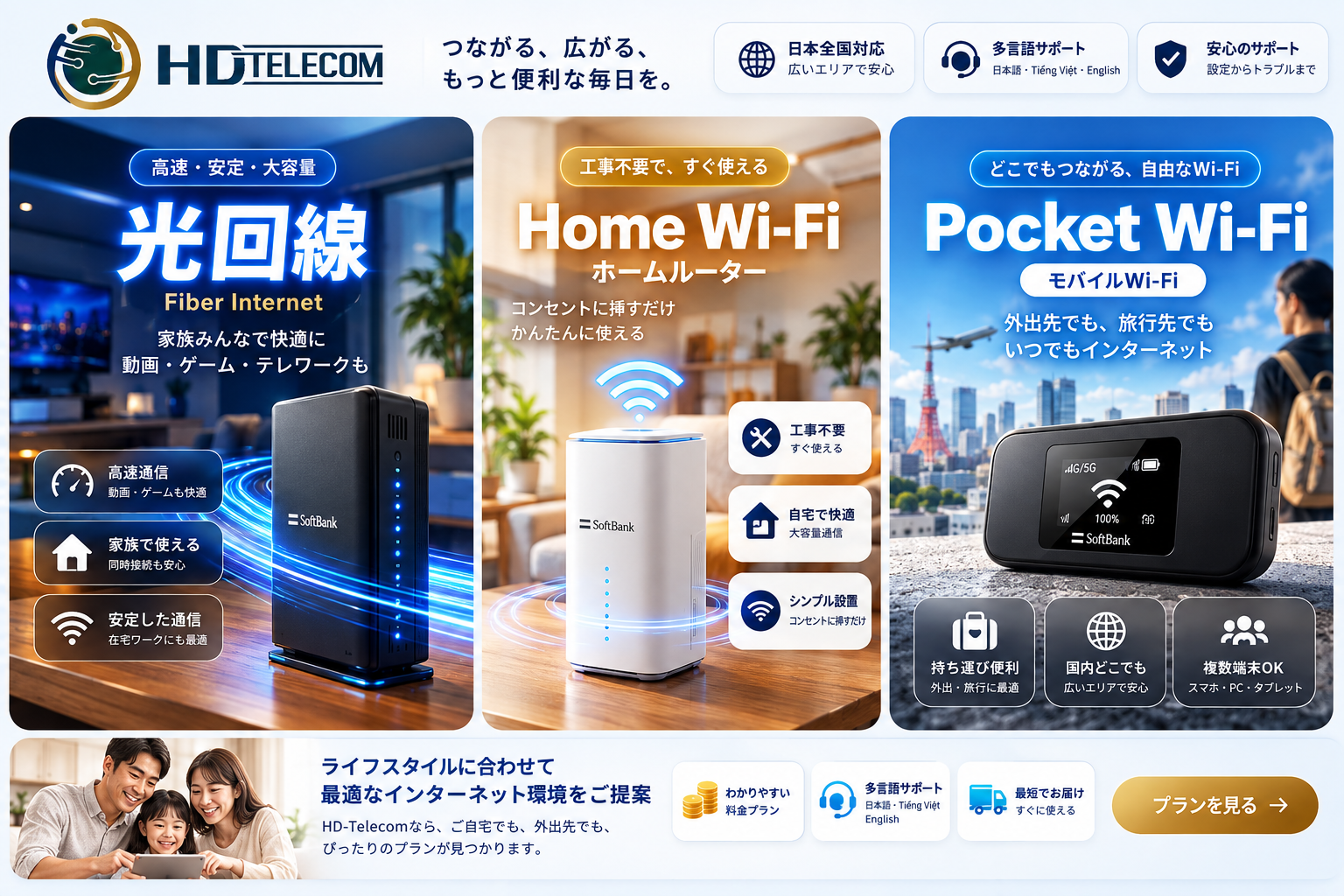
- Monthly pocket Wi-Fi — shared for the whole household, zero installation, ready to use immediately upon receipt.
- Monthly data SIM or monthly eSIM — ideal if you only need internet access on your phone.
You can browse all available options on our products page, or visit our support page if you need payment and bank transfer instructions. Take your time—browse and ask questions; our Vietnamese-speaking support team will explain everything clearly before you make a decision. If you would like to read more guides on life and procedures in Japan, please visit our blog page.
Related products
Find your plan with HD TELECOM
SIM, eSIM and Pocket WiFi — genuine quality, clear pricing, 24/7 support.