Who is Pocket WiFi in Japan best for? Comparison with data SIMs and eSIMs
September 7, 2026
Quick Answer
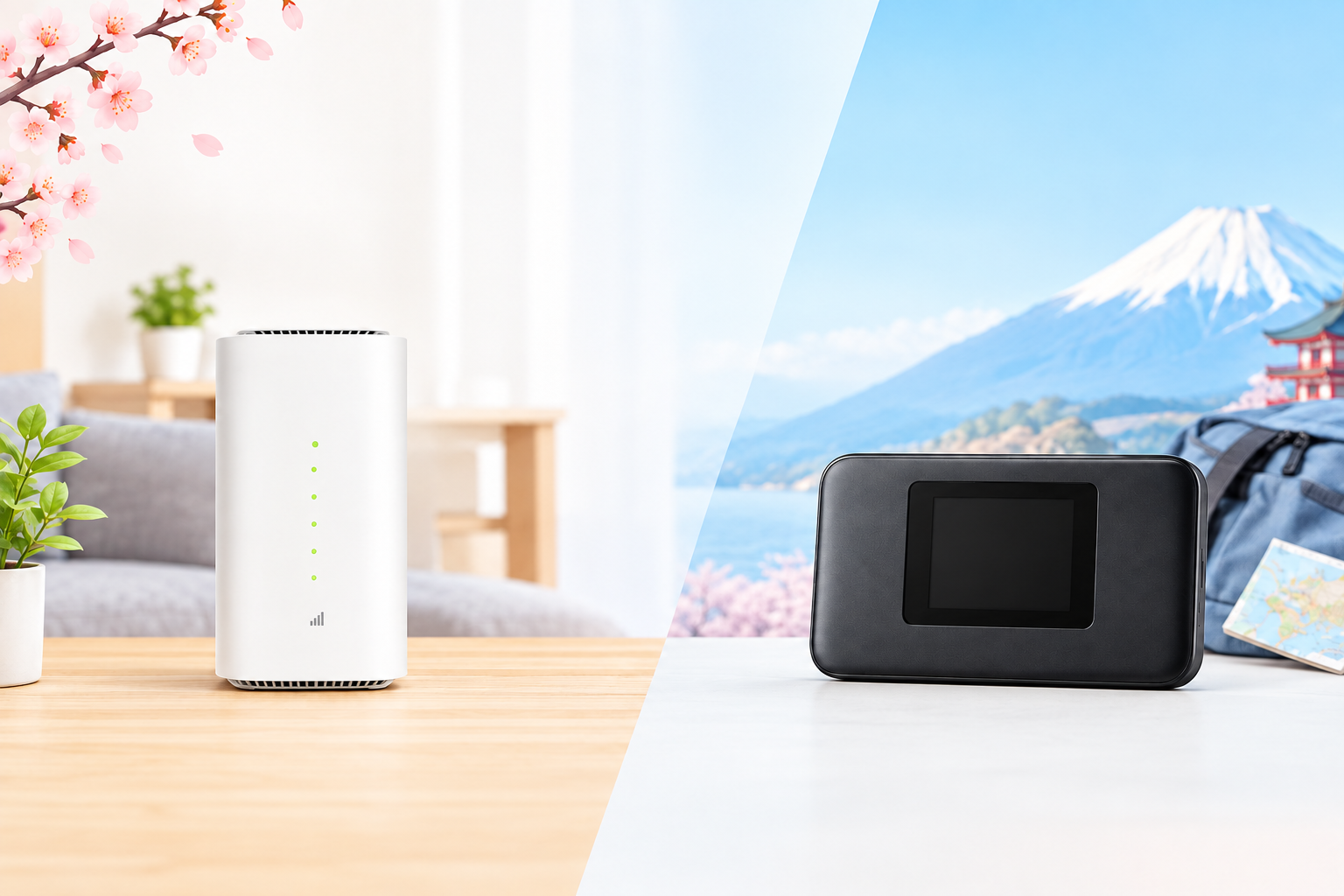
Pocket WiFi in Japan is best suited for anyone who needs to share an internet connection across multiple devices or among multiple people, uses a large amount of data each month (working remotely, online learning, video streaming, gaming), or cannot or does not want to install fixed home broadband. If you only use the internet on a single smartphone and also need a Japanese phone number, a data SIM or voice SIM will be more compact and affordable.
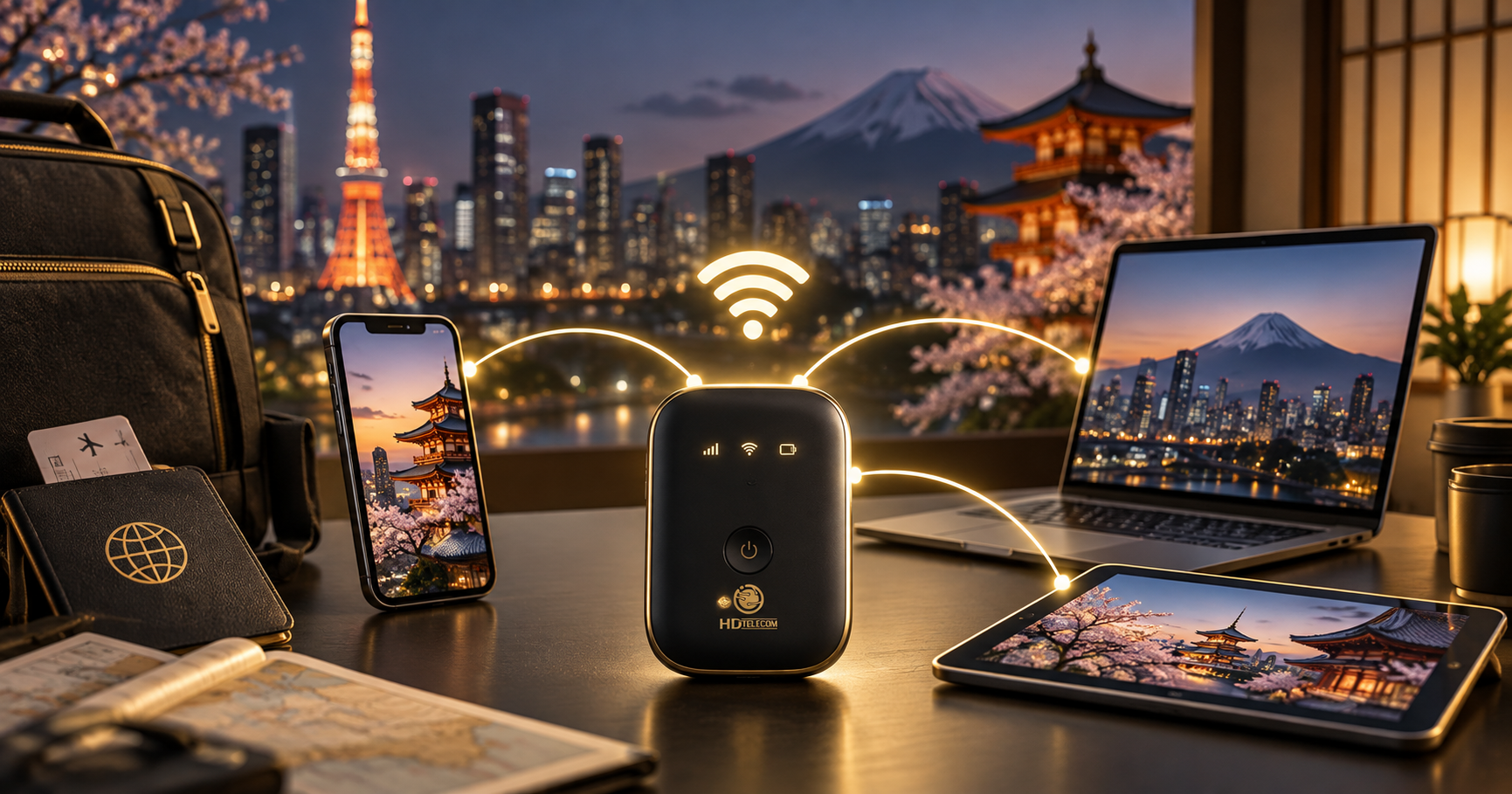
The main advantages of Pocket WiFi are that a single device can connect 5–10 devices, requires no installation, involves no long-term contracts with fixed broadband providers, and can easily be taken with you when moving. The downsides are having to carry an extra device, keeping it charged, and not having an accompanying phone number.
Who This Guide Is For
This article is written for foreigners living, studying, or working in Japan who are considering whether or not to get Pocket WiFi. Specifically, you will likely find yourself in one of these groups:
- Newly arrived international students staying in dorms or share houses without pre-installed WiFi, who do not yet have a Japanese credit card to sign up for fixed home internet.
- Working professionals (Specified Skilled Workers, technical interns, engineers) living in company dormitories on 1–3 year contracts, who want to avoid being locked into 2-year home internet contracts with hefty installation fees.
- Families of 2–4 people looking to share a single internet connection for smartphones, laptops, iPads, and TV boxes instead of purchasing individual data plans for each person.
- People who move or relocate frequently, or work project-to-project across different prefectures (construction, agriculture, seasonal hospitality).
- Heavy data users: online classes, Zoom/Teams meetings, daily video calls back home to Vietnam, streaming YouTube/Netflix, downloading movies, and online gaming.
- Residents of older or wooden apartments whose landlords do not allow wall drilling, making fiber-optic cable installation impossible.
If you fall into any of these categories, Pocket WiFi is usually the most economical and flexible option for your first 1–3 years in Japan. You can browse our monthly pocket WiFi plans to get an idea of data allowances and pricing.
When You Should NOT Choose Pocket WiFi
Pocket WiFi is not the right choice for everyone. You should skip Pocket WiFi if:
- You need a Japanese phone number for job applications, opening a bank account, or receiving calls from your school, company, or clinic. Pocket WiFi does not come with a phone number. In this scenario, choose a voice SIM instead.
- You only use internet on one smartphone with light-to-moderate data needs (under 20–30GB/month). A monthly data SIM or eSIM will be gentler on your wallet and spares you from carrying an extra device.
- Your accommodation already includes free WiFi (many share houses, dormitories, and newer mansions include WiFi in the rent). Paying extra for Pocket WiFi would be redundant.
- You need an ultra-stable connection with minimal latency: professional live streaming, transferring massive files, or competitive multiplayer gaming. Fixed fiber-optic broadband (hikari) far outperforms any cellular-based connection.
- You are staying in Japan short-term (under 1 month). Renting airport WiFi on a daily rate or buying a travel eSIM is far more practical than committing to a monthly plan.
- You spend most of your time in mountainous areas, remote islands, deep basements, or ground-floor concrete buildings with poor reception. Pocket WiFi relies entirely on mobile network coverage; where cellular reception is weak, the device's performance will suffer as well.
Pocket WiFi, Data SIM, or eSIM: Which One Should You Choose?
The table below is the quickest way to evaluate which option fits your current situation.
| Criteria | Pocket WiFi | Data SIM | eSIM |
|---|---|---|---|
| Devices connected simultaneously | Usually 5–10 devices | 1 device (hotspot capable) | 1 device (hotspot capable) |
| Japanese phone number included | No | No (except voice plans) | No (except voice plans) |
| Must carry an extra device | Yes, requires charging | No | No |
| Suitable for high data usage | Highly suitable | Depends on plan | Depends on plan |
| Time to start using | Upon device delivery | Upon SIM card delivery | Immediately after scanning QR code |
| Sharing with family | Best choice | Poor | Poor |
| When moving residences | Take it with you, zero setup | No impact | No impact |
| Return device upon cancellation | Usually yes (if rented) | No | No |
Quick 10-second decision guide:
- Sharing among 2 or more people, or heavy laptop user → Pocket WiFi.
- One person, one smartphone, needing voice calls and SMS → Voice SIM.
- One person, data only, wanting instant activation today → eSIM.
- Staying in Japan for a full year and looking to save with a one-time upfront payment → 12-month prepaid data SIM.
Step-by-Step Guide: How to Register for Pocket WiFi in Japan
- Estimate your actual data needs. Check your smartphone settings to see your average data usage over the past 1–2 months, then multiply that by the number of users sharing the device. Daily video streamers generally need 100GB/month or more; casual messaging, social media, and light online study can often be covered by 50GB.
- Check network coverage where you live and work. Ask housemates or colleagues which carrier they use and how strong their reception is. Pocket WiFi operates on cellular networks, so if mobile reception is weak in your building, the device will be slow as well.
- Select a plan and payment method. Compare data allotments and prices, checking for initial fees, device fees, or early termination fees. View plan options on our monthly pocket WiFi page or explore the full product catalog.
- Prepare your documents. Take clear photos of both the front and back of your valid Residence Card (在留カード), your passport if required, and confirm your shipping address written correctly in Japanese, including the name listed on your mailbox.
- Fill out the online application. Enter your full name exactly as shown on your Residence Card (in the correct order), your email, and a contact phone number (a friend's number is acceptable if you do not yet have your own).
- Complete payment and confirm the order. Pay via bank transfer, credit/debit card, or at a convenience store (konbini), depending on supported options. Refer to instructions on our support page.
- Receive and activate the device. Unbox and verify the package contents: device, charging cable, and pre-installed SIM card. Power on the device, wait for it to connect to the network, and find the network name (SSID) and password printed on the back or displayed on the screen.
- Connect your devices and update the password. Change the default WiFi password to your own secure password so neighbors cannot connect. Make sure to note down your new password.
- Track your data consumption during the first month. If you notice you are using far more or far less data than expected, contact customer support to switch to a more cost-effective plan.
Required Documents
Signing up for internet services in Japan always requires identity verification. For Pocket WiFi, you will typically need:
- A valid Residence Card (在留カード) — clear photos of both sides showing the card number and expiration date. This is the most crucial document.
- Passport — occasionally required for name verification, or if your Residence Card is currently undergoing an extension renewal.
- Accurate Japanese shipping address — including the postal code, building name, and room/apartment number. A missing room number is the single most common reason packages get returned.
- Name on mailbox / intercom — if your name is not visible on your mailbox, postal carriers may refuse delivery.
- Payment information — a credit or debit card accepted in Japan, or bank details for domestic transfers.
- Email address and contact number — to receive your package tracking number and renewal notices.
Note: If your Residence Card expires within 1–2 months, mention this upfront when applying. Many providers will approve your application on the condition that you submit updated card photos once renewed, ensuring your service is not suspended mid-contract.
Cost Overview
The pricing below reflects general market averages in Japan for comparison purposes; actual costs vary depending on the chosen package, current promotions, and timing. For up-to-date pricing, please refer to our monthly pocket WiFi page.
| Item | Reference Range | Notes |
|---|---|---|
| Monthly Pocket WiFi rental fee | approx. 3,000–5,500 JPY | Varies by data tier (50GB, 100GB, fair-use unlimited) |
| Initial setup / device fee | 0–4,000 JPY | Often waived during promotional periods |
| Device shipping fee | approx. 500–1,500 JPY | Free with certain campaigns |
| Monthly data SIM (for comparison) | approx. 1,500–4,000 JPY | Varies by data; serves 1 device |
| Fixed fiber internet (for comparison) | approx. 4,000–6,000 JPY/month + installation fees | Usually entails multi-year contracts and early cancellation fees |
| Device loss or damage fee | can reach tens of thousands of yen | Read contract terms carefully beforehand |
Quick calculation to see if Pocket WiFi saves you money: Multiply the number of people in your home by the cost of individual data SIMs. For instance, 3 people paying 2,500 JPY each spend 7,500 JPY/month. If a 4,000 JPY Pocket WiFi plan covers all 3, you save around 3,500 JPY every month—over 40,000 JPY a year. Keep in mind: everyone must stay within range of the device; whoever steps outside leaves the WiFi zone, which is the primary trade-off of sharing.
Timeline and Processing Times
- Application review: Typically processed within the same business day or within 1–2 business days after documents and payment are verified.
- Device shipping: Around 1–3 business days within mainland Japan; remote locations (Hokkaido, Okinawa, outlying islands) may take slightly longer.
- Activation: Immediate upon turning on the device—no technician visit or complex configuration required, which is a massive advantage over fixed broadband.
- Fixed broadband comparison: From application to technician installation, fixed broadband typically takes 2 weeks to 2 months, stretching even longer during the peak moving season (March–April).
- Billing cycle: Generally calculated on a calendar-month basis. Always clarify your billing cut-off and renewal dates to avoid unexpected charges if you plan to cancel.
- Cancellation: Usually requires advance notice and returning the hardware by a specified deadline. Late returns may trigger additional monthly rental charges.
Where to Get Pocket WiFi
You can sign up for Pocket WiFi in Japan through several channels:
- Order online with doorstep delivery — the most popular, hassle-free method. HD TELECOM processes online orders and ships devices nationwide.
- In-person store with Vietnamese support in Shin-Okubo, Tokyo — convenient if you are in the Tokyo area and prefer face-to-face guidance, want to inspect the device before taking it home, or need help with paperwork.
- Airport rental counters — primarily suited for short-term tourists or newcomers who need immediate connectivity for their first few days; daily rental rates are substantially higher than monthly contracts.
- Major electronics retailers (Yodobashi Camera, Bic Camera) — offer diverse options, but contracts are almost exclusively in Japanese, involve long-term commitments, and customer support can be challenging if you are not fluent in Japanese.
For details on payment methods, bank transfers, and renewals, visit our support page.
Common Mistakes to Avoid
1. Choosing an "unlimited" plan without reading speed throttle terms
Most plans marketed as "unlimited" in Japan still enforce Fair Usage Policies (FUP): exceeding a daily cap or a rolling 3-day data limit will temporarily throttle your speed. Always clarify the exact throttling thresholds before signing up.
2. Expecting Pocket WiFi to match fiber-optic speeds
Because Pocket WiFi relies on mobile cellular towers, speeds fluctuate based on peak hours and physical location. In the evening, when cellular traffic peaks in your neighborhood, speeds naturally dip. If your work demands uninterrupted, ultra-high-speed connectivity, do not rely solely on Pocket WiFi.
3. Placing the device in room corners, inside closets, or behind appliances
Radio signals are easily obstructed by concrete, metal, and dense objects. Keeping your device near a window and roughly 1 meter off the floor noticeably improves signal reception and connection speeds.
4. Leaving the default WiFi password unchanged
In share houses or student dormitories, the default password printed on the device label can easily be spotted by others, resulting in neighbors freeloading on your data. Change the password on day one.
5. Relying on one Pocket WiFi for the whole house while taking it to work
This is a frequent friction point for couples and families: when one person takes the device to work, everyone left at home loses internet access. If everyone needs internet throughout the day, keep the Pocket WiFi at home and equip mobile family members with smaller, individual data SIMs for on-the-go use.
6. Incomplete addresses (omitting room numbers or mailbox names)
Packages will be returned to sender, causing days of unnecessary delay. Double-check your address in Japanese thoroughly before submitting your application.
7. Draining the battery completely and leaving it dead for extended periods
Lithium-ion batteries left completely drained for months can degrade rapidly or swell. If you are not using the device for a while, charge it to about 50% and power it on every few weeks.
8. Canceling your plan without returning the rental equipment on time
Under rental agreements, the device and accessories remain the property of the service provider. Returning equipment late or missing accessories can incur replacement penalties. Keep the original packaging and cables safe from day one.
9. Overlooking the fact that Pocket WiFi does not include a phone number
Many newcomers order only a Pocket WiFi and quickly hit roadblocks when applying for part-time jobs (baito), registering bank accounts, or receiving calls from schools and city offices. If you need a local Japanese number, be sure to pair your setup with a voice SIM.
Frequently Asked Questions
How many devices can connect to Pocket WiFi simultaneously?
Most pocket routers support 5–10 concurrent connections. However, available bandwidth is shared among all connected devices, so 3–5 active devices generally provide the smoothest experience.
Does Pocket WiFi work on trains and outdoors?
Yes. Pocket WiFi connects via standard cellular networks, so it works anywhere there is mobile carrier coverage—including on trains, in vehicles, and in public parks—as long as the battery lasts.
How long does the battery last?
Typically 6–12 hours of continuous use depending on the model and signal quality. In areas with weak reception, the device consumes more power continuously searching for signals. Carrying a portable power bank is recommended for full days out.
Can I apply without a Japanese credit card?
Yes, provided the service provider accepts domestic bank transfers or convenience store (konbini) payments. This is why many newly arrived international students choose Pocket WiFi over fixed broadband, which almost always mandates a credit card or Japanese bank direct debit. Check available payment options on our support page.
Can I apply if my Residence Card is expiring soon?
In most cases, yes. However, you should inform the provider beforehand and submit photos of your renewed card as soon as it is issued to prevent any service interruption. Inquire ahead to ensure seamless connectivity.
Do I need to follow any procedures when moving to a new apartment?
You can simply take the device with you and start using it immediately at your new address—no technicians or line relocations required. Just remember to update your billing and mailing address with your provider.
Is Pocket WiFi better than using my smartphone as a personal hotspot?
Using your phone as a hotspot is convenient for occasional use, but it quickly drains your phone's battery, causes overheating, and many mobile data plans cap hotspot tethering. If you need daily internet access for a laptop or multiple people, a dedicated Pocket WiFi unit is considerably more practical.
What happens if I run out of high-speed data mid-month?
Depending on your plan, your connection speed will be throttled until the end of the billing cycle, or you can purchase data top-ups. If you consistently exhaust your limit early, upgrading to a higher data tier is much more cost-effective than buying multiple ad-hoc top-ups.
What should a newcomer to Japan purchase first?
Prioritize a communication method that provides a Japanese phone number (a voice SIM), or at least an eSIM to ensure internet connectivity the moment you step off the plane. Once settled in your accommodation, you can determine whether you need a Pocket WiFi for high data consumption or multi-device sharing.
References
- Ministry of Internal Affairs and Communications of Japan (総務省 / MIC) — telecom market regulations and identity verification mandates for mobile service contracts: soumu.go.jp
- Immigration Services Agency of Japan (出入国在留管理庁) — regulations concerning the Residence Card (在留カード) as official identification: isa.go.jp
- Official technical and service portals of major Japanese mobile carriers (NTT Docomo, SoftBank, KDDI/au) — network coverage maps and Fair Usage Policy conditions.
- HD TELECOM service terms and plan pricing available at /wifi/hang-thang and /san-pham.
Pricing, data caps, and service terms in the Japanese telecommunications market change frequently. Before making a decision, we encourage checking the latest information on our product pages or contacting us directly for real-time rates.
Source Verification Date
The information in this article was last reviewed and verified in: June 2025. Pricing and plan terms may have been updated since this date—editors, please verify the review date before publishing.
Still Unsure What to Choose?
If you are still undecided after reading our guide, the easiest approach is to answer two simple questions: how many people will be sharing the connection and do you need a Japanese phone number? Based on those two answers, we can pinpoint the right plan without you having to analyze complex rate tables.
- Shared household use, high data demand → view our monthly pocket WiFi plans
- Single user, data only → monthly data SIM or monthly eSIM
- Staying for a full year and wanting maximum savings → 12-month prepaid data SIM
HD TELECOM provides Vietnamese-language customer support, operates a physical store in Shin-Okubo (Tokyo), and handles online applications with nationwide delivery across Japan. Feel free to reach out with any questions before making a commitment. Find more practical guides for living in Japan on our blog.
Related products
Find your plan with HD TELECOM
SIM, eSIM and Pocket WiFi — genuine quality, clear pricing, 24/7 support.