How to Upload Payment Receipts on HD Telecom (2025 Guide)
September 4, 2026
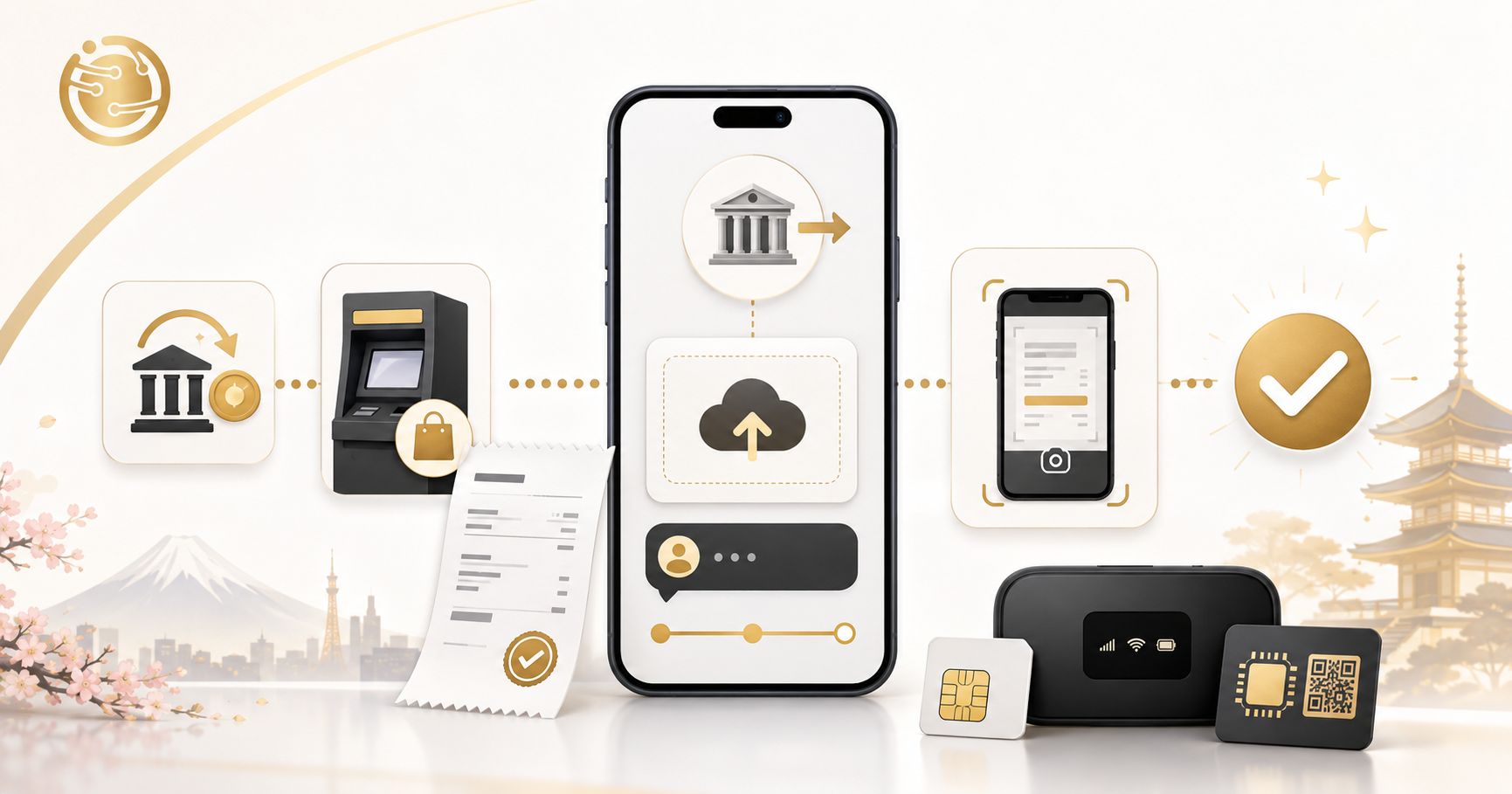
Quick Answer
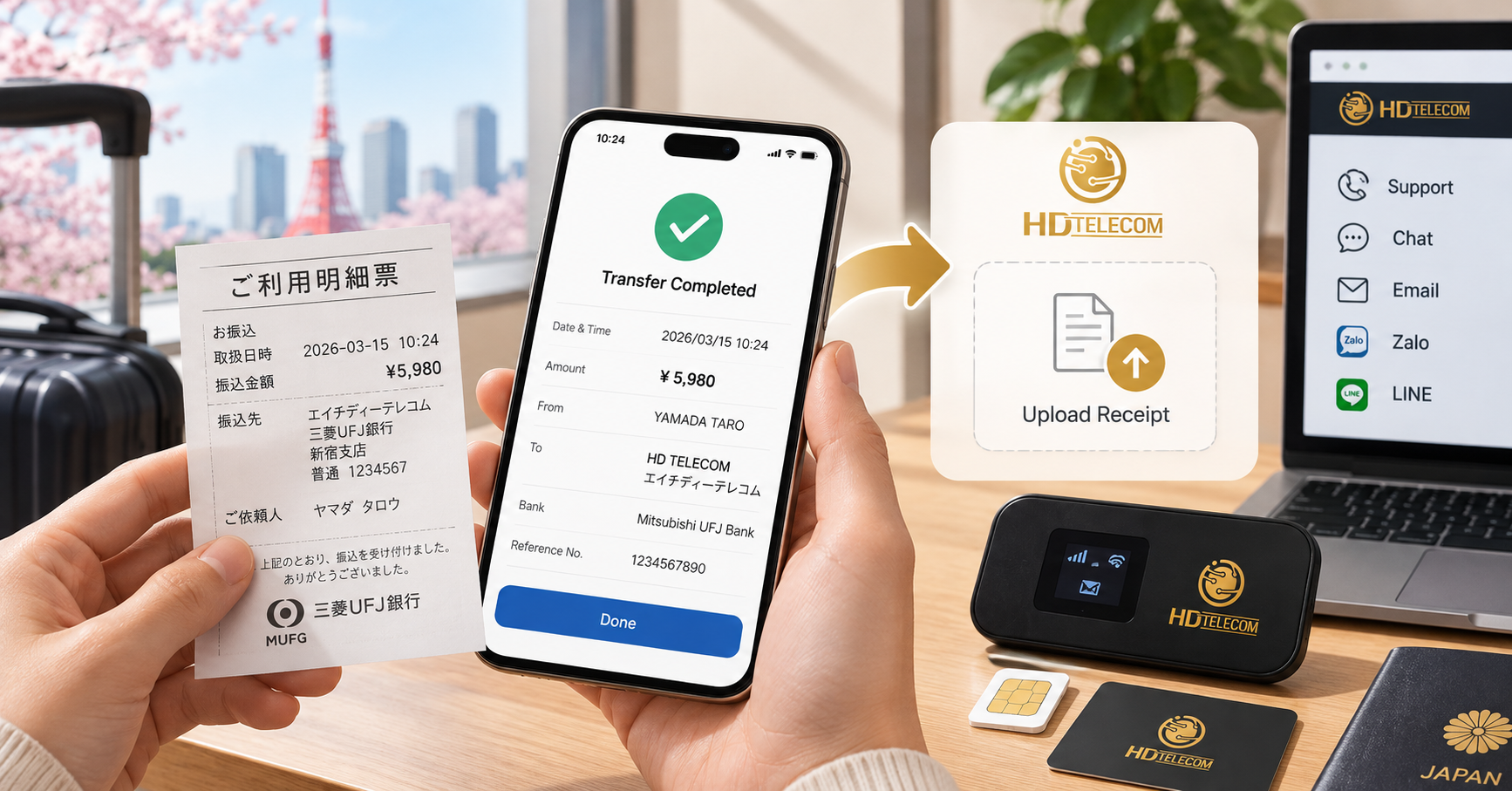
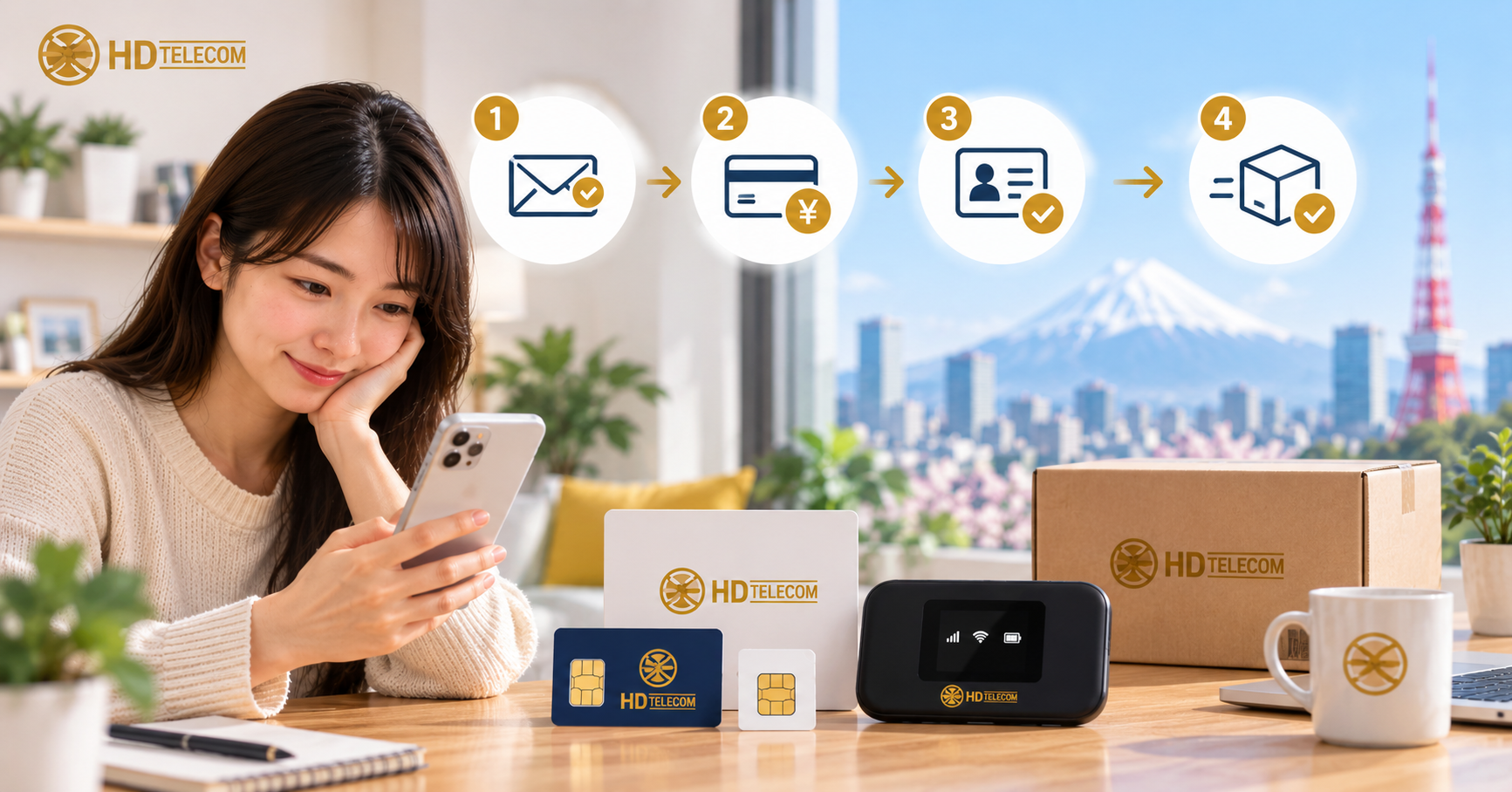
After you make a bank transfer (furikomi) or pay at a konbini/ATM, take a photo of the receipt or a screenshot of the transaction and send it to HD TELECOM via the support page or through the chat/Zalo/LINE channel that our staff guided you to when you placed your order. The receipt photo needs to clearly show the amount, the transaction date and time, the sender's name, and the recipient account name. Once the photo is confirmed to match your order, your order will move on to the activation/shipping step — typically processed the same day if payment is made during our business hours (10:00–19:00 JST), but if payment is made in the evening, on Wednesdays or Sundays (our days off), or on Japanese public holidays, it may carry over to the next business day.
In short: completing a transfer ≠ your order being confirmed. Uploading the receipt is the step that helps our accounting team match your payment to the correct order, especially when the sender's name differs from the orderer's name.
Who is this article for
This article is for you if:
- You just ordered a monthly data SIM, monthly eSIM, pocket WiFi, or a 12-month prepaid SIM and chose bank transfer as your payment method.
- You've gone to an ATM/konbini to pay and are holding a small slip (明細票 / 利用明細) in your hand, not knowing what to do next.
- You paid via a banking app (PayPay Bank, Rakuten Bank, Yucho Direct, SBI…) and only have a screenshot, no physical slip.
- You asked someone else to transfer the money for you (a roommate, sempai, or acquaintance), so the sender's name doesn't match the name you registered with.
- You already sent a photo but staff asked you to retake it, and you want to know how to do it correctly this time.
- You're paying your monthly renewal and want to avoid service interruption due to delayed confirmation.
This article is written for newcomers to Japan whose Japanese isn't strong yet, so wherever Japanese text appears, it comes with a reading and explanation.
Cases where this does NOT apply
You don't need to follow this guide if:
- You paid by credit/debit card online: the system records it automatically, no need to send a receipt. Just keep your confirmation email.
- You paid in cash directly at the counter (Shin-Okubo office): staff confirm it on the spot, you just need to keep your receipt.
- You've already received a message/email confirming "payment received": this means accounting has already matched it, sending another photo won't speed things up.
- You have a question about a tax invoice (領収書 - ryoushuusho) to submit to your company/school: this is a different matter — you need to request that HD TELECOM issue an invoice, not upload a receipt. Contact us via the support page.
- You transferred money for a different service (rent, electricity, tuition): that receipt is unrelated to your SIM order and shouldn't be sent to us.
Also, if you transferred money before placing an order, please state this clearly when sending the receipt, since the system won't have any order to match your payment to.
Steps to follow
Step 1 — Complete payment and keep proof
Depending on how you paid, your "receipt" will look different:
| Payment method | Proof you have | Note |
|---|---|---|
| Bank ATM (振込 furikomi) | Small printed slip after the transaction (振込明細票) | Don't throw it in the trash bin next to the ATM — many people make this mistake |
| Bank teller counter | Copy of the transfer slip stamped by the bank | Staff usually hand back a pink/blue colored slip |
| App/Internet banking | Screenshot of the "transaction complete" page | Capture both the date/time and the amount |
| Konbini / Pay-easy | Receipt (レシート) printed by the konbini machine | Text on thermal paper fades easily, so take the photo right away |
| Yucho (ゆうちょ) ATM | 利用明細票 slip | Check whether the recipient's full name is printed |
Step 2 — Take the photo correctly
- Place the receipt on a flat surface with a dark or plain color (avoid busy patterned backgrounds).
- Turn on a light or move to a bright spot, avoid shooting with backlight, and make sure your head or hand shadow doesn't fall on the paper.
- Hold your phone parallel to the paper and capture the entire receipt, without cutting off any corner.
- Zoom in to check: if you can't read the amount, staff won't be able to either → retake the photo.
- If the text is too faded (thermal paper discoloring), take an additional close-up photo of the amount and transaction date.
Step 3 — Check the 4 required pieces of information are clearly visible
- Amount (金額) — must exactly match the amount on your order.
- Transaction date and time (取扱日時).
- Sender's name (ご依頼人 / 振込人) — usually written in katakana.
- Recipient's name/account (受取人 / お受取口座).
If any of these 4 items is missing, accounting will have difficulty matching your payment and may need to ask you again — delaying your order by a few hours to a full day.
Step 4 — Send the photo to HD TELECOM
- Open HD TELECOM's support page to see the current contact channels and payment instructions.
- Choose whichever channel is most convenient: the upload form on the support page, or chat with staff via the channel you used when ordering.
- Attach the original photo, not one that's been cropped and lost information.
- Include a note using the template below (this is very important).
Step 5 — Attach a note with your photo using this template
Copy this template and fill it into your message/note when uploading:
- Full name of the orderer:
- Phone number / email used when ordering:
- Order code (if any):
- Product: Data SIM / eSIM / WiFi — package size in GB, number of months
- Amount transferred:
- Transfer date:
- Name of the person who made the transfer (if different from the orderer):
- Purpose: payment for new order / monthly renewal
It only takes 30 seconds to fill out but greatly reduces back-and-forth messaging.
Step 6 — Wait for confirmation and double-check
- Wait for a message/email confirming that payment has been received.
- For eSIM: check your inbox (including spam) to receive the QR code.
- For physical SIM/WiFi: wait for notification of the shipping tracking number.
- For renewals: check whether your network is working normally after the renewal date.
- If you haven't heard back after the expected timeframe, follow up with your old photo attached instead of sending more money.
Documents to prepare
Specifically for uploading a receipt, you only need:
- Photo of the receipt/transaction screenshot — required.
- Order code or registered phone number — to match your order correctly.
- Name of the person who made the transfer if different from the orderer.
You do not need to send your residence card (zairyu card), passport, or bankbook for this step. For data-only SIM packages, identification documents are typically not required.
Regarding security: only send receipt photos through official contact channels. If a banking app screenshot displays your account balance, you can cover that part with your hand or a piece of paper — it's not needed for matching purposes.
Cost
Uploading a receipt is completely free. Any additional cost (if any) comes from the bank or konbini, not from HD TELECOM:
| Item | Reference amount | Note |
|---|---|---|
| Uploading receipt / payment confirmation | 0 yen | No fee charged |
| Inter-bank transfer fee (振込手数料) | Usually a few hundred yen | Varies by bank, channel (apps are usually cheaper than ATMs), and timing |
| Same-bank transfer | Often free or very low | Check your bank's fee schedule |
| Konbini payment fee | Depends on the method | See current instructions on the support page |
Important note: the transfer fee cannot be deducted from the payment amount. If you only transfer "the order amount minus the fee," the received amount will be short and the order cannot be confirmed until the shortfall is made up. Please transfer the exact amount notified and cover the bank fee separately.
Deadlines / processing time
There are two timeframes you need to distinguish:
Time for the money to arrive in the account
- Transfers made during business hours on a business day: money usually arrives almost instantly or within a few dozen minutes.
- Transfers made after business hours, at night, on weekends, or on Japanese public holidays: some transactions (especially at counters or between certain banks) may only be recorded on the next business day.
- Konbini/Pay-easy payments: data is usually processed in batches and may be slower than a bank transfer.
Time for HD TELECOM to confirm and process
- Sending the receipt during business hours (10:00–19:00 JST, Saturdays included): usually confirmed the same day.
- Sending it late at night, on a Wednesday or Sunday (our days off), or on a public holiday: processed on the nearest business day.
- eSIM: after confirmation, the QR code is usually sent via email/chat very quickly.
- Physical SIM and WiFi: packed and shipped only after confirmation, plus additional shipping time via post/courier.
How far in advance should you send the receipt?
For monthly renewal subscriptions, please pay and send the receipt at least 2–3 business days before the expiration date. If you pay exactly on the expiration date in the evening, there's a high chance your network will be suspended briefly before being reactivated. This is the most common mistake we see every month.
Specific timing may vary during peak seasons (March–April, when many new students arrive in Japan). Check the latest updates on the support page.
Where to submit / where to go
You can send your receipt in the following ways:
- Online support page: open /ho-tro to see payment information and the current channel for sending receipts. This is the most accurate and up-to-date source.
- The chat channel you used when ordering: most convenient since staff already have your order information on hand, no need to re-explain everything from scratch.
- In person at the HD TELECOM office in Shin-Okubo, Tokyo: if you're nearby and want it handled immediately, you can bring the receipt to the counter. Check business hours before going.
If you're not sure which channel is correct, just send it via the support page — your request will be forwarded to the appropriate department. Avoid posting your receipt in the comments section of a public article, as the photo may contain your personal information.
Common mistakes
1. Throwing away the receipt right at the ATM
Many people take their card and toss the slip into the trash bin. Afterward, they have nothing to prove the transaction. Fix: a transaction statement from your banking app is also accepted as long as it clearly shows the 4 required pieces of information.
2. Blurry photos, flash glare, or missing corners
This is the number one reason photos get rejected and re-requested. Turn off the flash, go to a naturally lit spot, and shoot straight down from above.
3. Transferring less than required by deducting the bank fee
For example, an order costs 3,000 yen but only 2,780 yen is transferred because the fee was deducted. The order will be held until the shortfall is covered. Always transfer the exact amount notified.
4. Sender's name differs from the orderer's without any note
Accounting sees a payment from "TANAKA" while the order is under your name — there's no way to match it. You must clearly state: "The sender is ..., transferring on behalf of the order under ..."
5. Transferring to the wrong account
Usually caused by mistyping the account number or using outdated information from someone else's screenshot. Always get account information from an official source at the time of your payment, don't reuse information from a chat group from last year.
6. Sending the receipt and then silently waiting for days
If you haven't received a response after the expected timeframe, follow up. Your message might have failed to send, or the confirmation email might be in your spam folder.
7. Paying twice out of worry
Making a second transfer when the first hasn't been confirmed yet creates an overpayment, and refunding/offsetting it takes much longer than simply waiting a few more hours. Ask before sending additional payment.
8. Sending a photo without specifying which order it's for
This especially happens with people buying multiple packages for a group of friends. One photo — one clear note.
9. Paying the renewal too close to the expiration date
The network may be temporarily suspended. It's best to handle it 2–3 business days in advance.
10. Changing phone number/email without updating it
If your old email is no longer in use, you won't receive the eSIM QR code. Please notify us of your new email when sending the receipt.
Frequently Asked Questions
I lost the receipt slip, is that a problem?
No problem. You can take a photo of the transaction history in your banking app or bankbook (通帳) instead, as long as it clearly shows the amount, date, sender's name, and recipient's name.
Are banking app screenshots accepted?
Yes. This is actually one of the clearest forms of proof. You can cover your account balance if you'd like.
Someone else transferred the money on my behalf, what should I do?
Send the receipt along with a note: the actual sender's name + the orderer's name and phone number. Without this note, the order can easily get stuck.
Is there a fee for uploading a receipt?
No. Only the bank's transfer fee applies, which has nothing to do with HD TELECOM.
How long until my order is confirmed?
During business hours (10:00–19:00 JST, including Saturdays), usually the same day. Outside business hours, on our days off (Wednesdays and Sundays), or on Japanese public holidays, it carries over to the next business day.
What if I transferred too much or too little?
Don't transfer additional funds right away. Send the receipt and clearly state the actual amount transferred; staff will guide you on how to make up the difference or offset it against the next billing cycle.
Do I need to send anything if I paid by credit card?
No. Card transactions are recorded automatically; just keep your order confirmation email.
After sending the receipt, when will I receive my eSIM?
The eSIM is usually sent via email/chat right after payment is confirmed. Remember to check your spam folder too.
Can I bring the receipt in person?
Yes, you can visit the office in Shin-Okubo, Tokyo during business hours. Check opening hours before going so you don't have to make two trips.
I need an invoice (領収書) to submit to my company, is that possible?
Please state this request when contacting us via the support page, clearly noting the name of the entity requiring the invoice and the details to be included.
References
- Payment instructions, account information, and current receipt submission channels from HD TELECOM: support page (this is the most accurate and up-to-date source on the process).
- Package and pricing information: product list.
- Transfer fees, transaction recording times, and system holidays: the official website of your bank (e.g. Japan Post Bank/ゆうちょ銀行, MUFG, SMBC, Mizuho, Rakuten Bank, PayPay Bank). Each bank has its own fee schedule and processing hours, which may change according to that bank's announcements.
- Holiday calendar for the Japanese banking system (national holidays) — according to official announcements from Japanese authorities.
Since fees and processing times vary between banks and may be adjusted, please check your bank's official website before making a transfer.
Source verification date
This article's content was last checked and updated on: June 10, 2025. Payment procedures, account information, and processing times may change; before making a transfer, please verify against the current information on the support page or ask our staff directly.
If you're still confused
The receipt upload step sounds complicated, but in reality it just involves: take a clear photo of the slip → send it along with your name and phone number → wait for confirmation. If you've done this but haven't received a response, or aren't sure whether you transferred to the correct account, just message us via the support page — our Vietnamese-speaking staff will check it for you, no need to worry about Japanese.
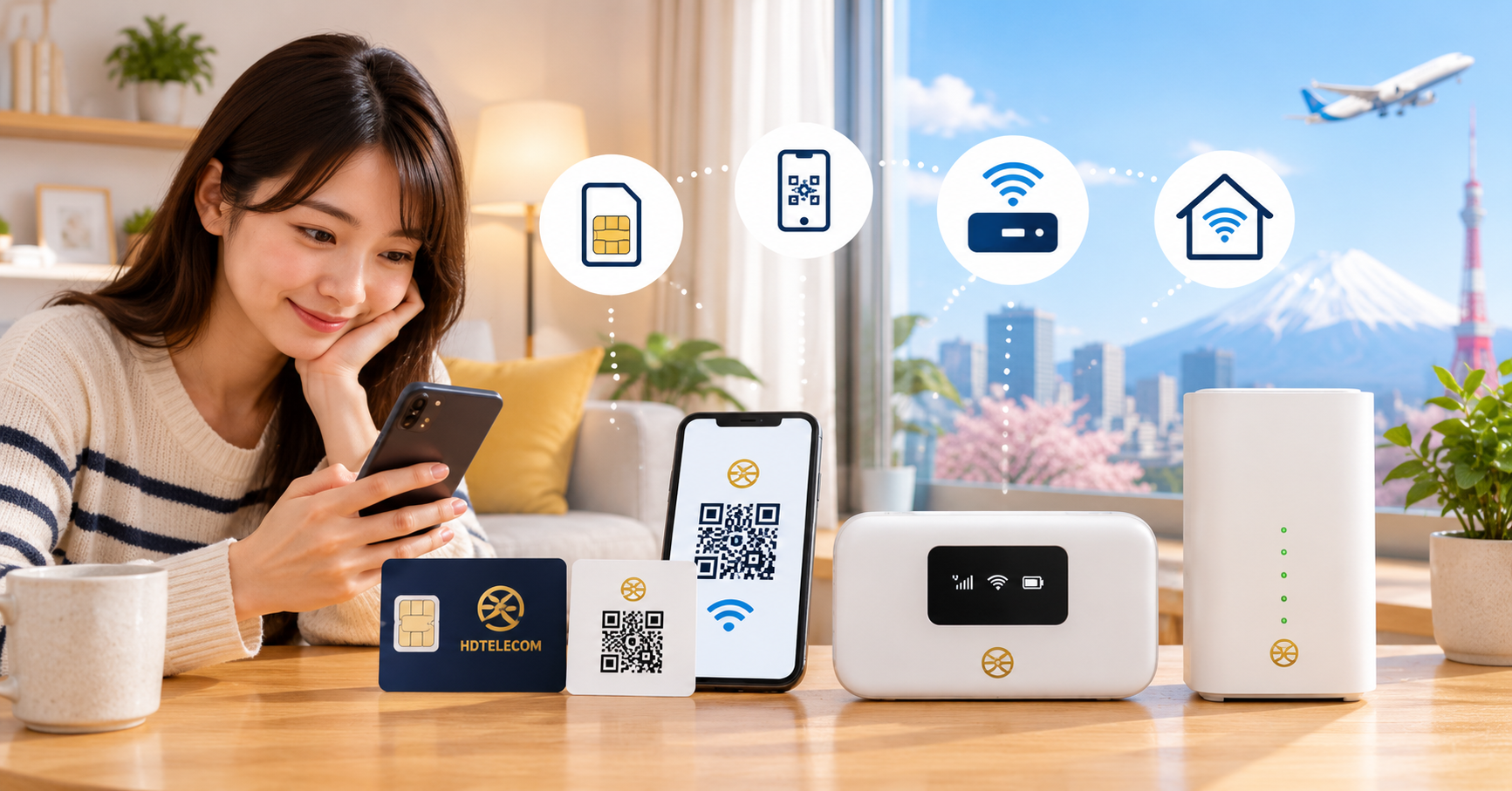
And if you're still looking for the right plan: monthly eSIM receives its QR code via email, making it the fastest option right after payment confirmation; monthly data SIM is suitable if you want long-term, flexible use; 12-month prepaid SIM lets you pay just once so you don't have to worry about sending a receipt every month; and pocket WiFi suits those who need to connect multiple devices or share with roommates. You can also browse the full product list and ask us questions before deciding — no need to sign up right away.
Related products
Find your plan with HD TELECOM
SIM, eSIM and Pocket WiFi — genuine quality, clear pricing, 24/7 support.