What to do after placing your SIM/WiFi order with HD Telecom?
September 4, 2026
Quick Answer
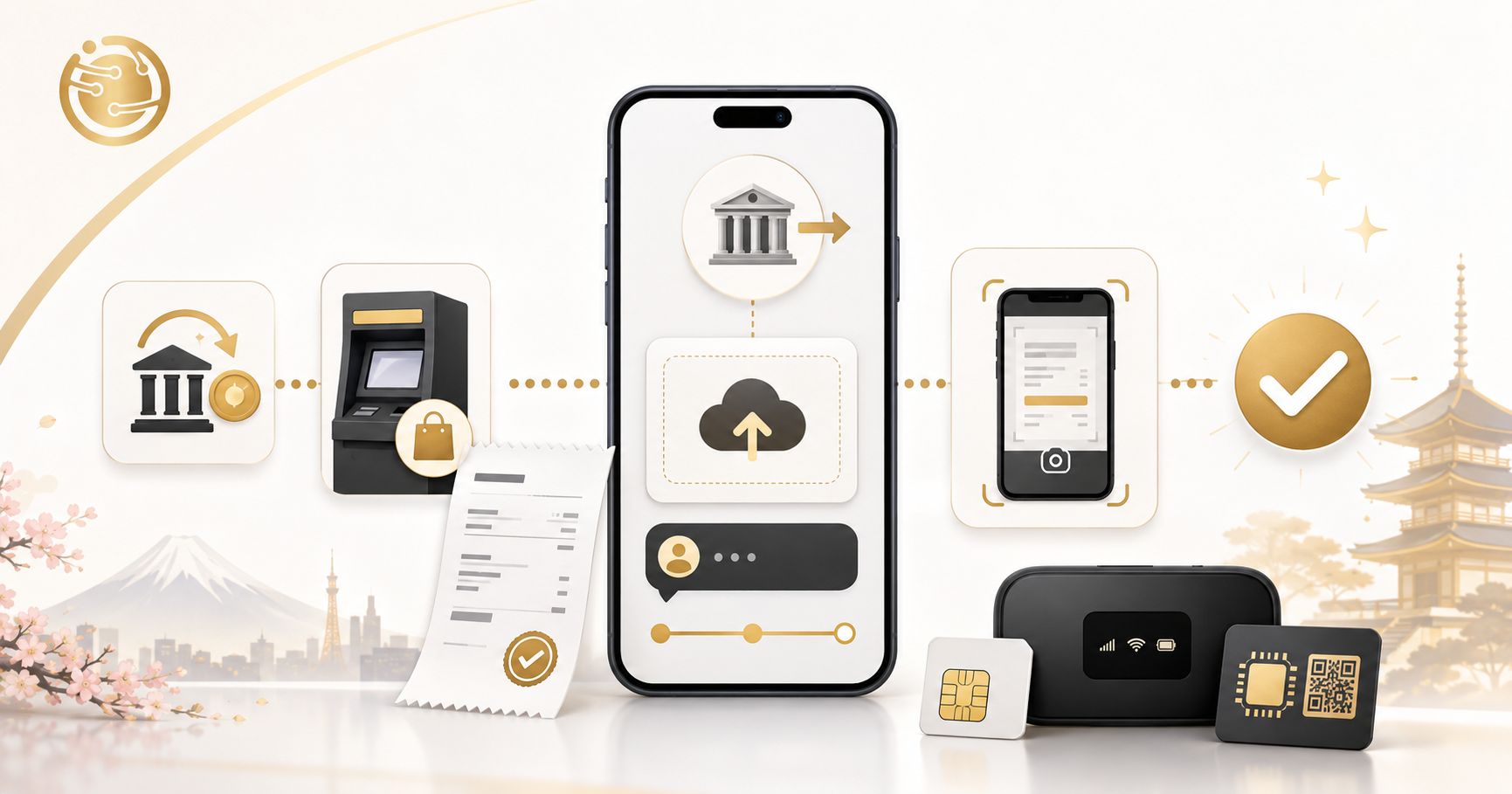
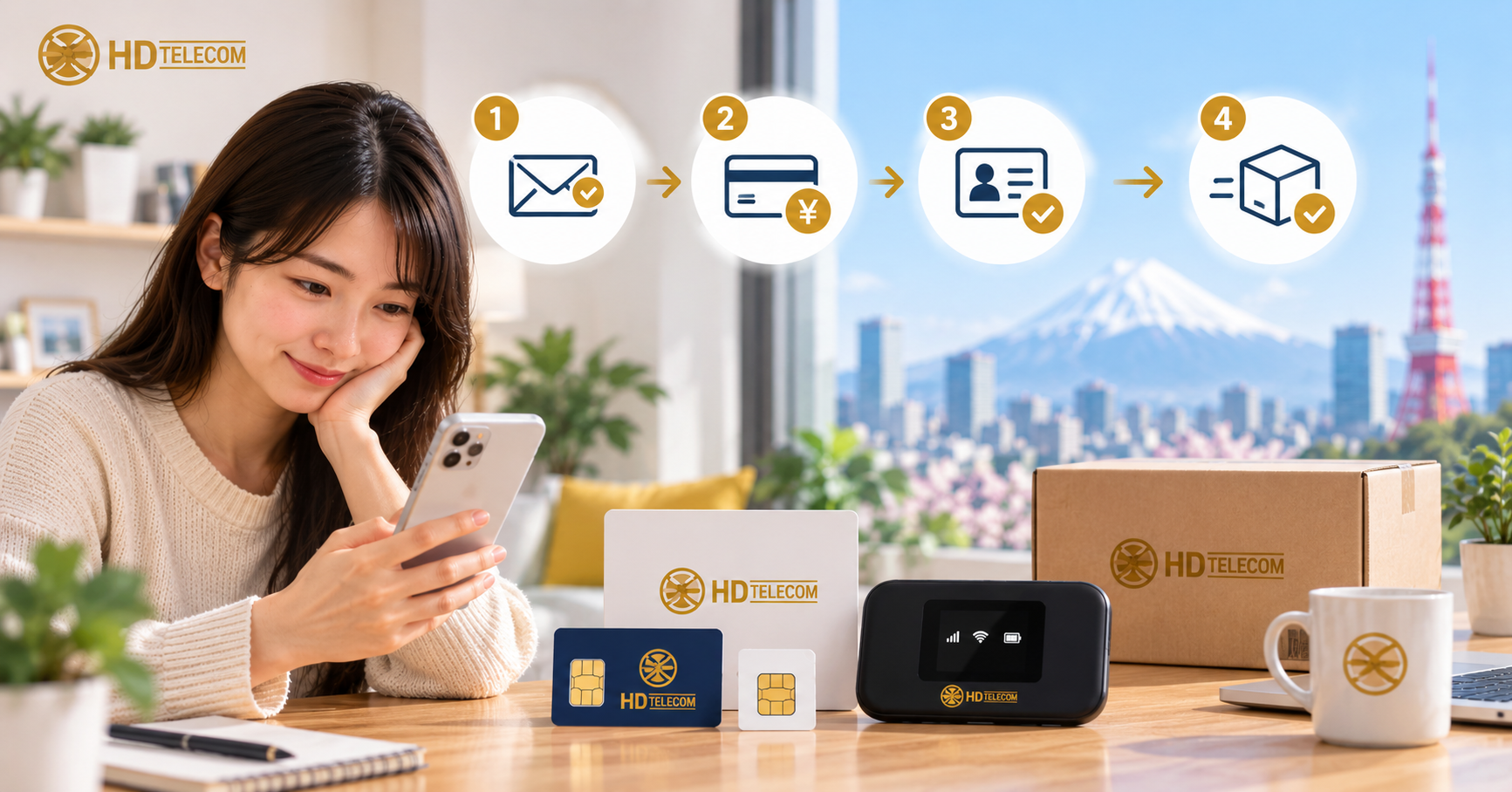
After placing an order with HD Telecom, you need to do 4 things in order: (1) check your email or message for order confirmation, (2) complete payment with the exact amount and correct transfer reference, (3) submit documents if the order requires it, (4) receive your SIM/device or eSIM QR code and set it up following the included instructions.
For eSIM, you'll usually receive the QR code via email/chat within the same business day after payment is confirmed. For physical SIM and WiFi, the item is sent by mail, so it takes about 1–3 additional business days depending on your area. If you haven't received anything after the expected time, contact us right away via the support page along with your order code.
Who this article is for
This article is for you if:
- You've just placed an order on the HD Telecom website and aren't sure what the next step is.
- You've placed an order but don't know how to make the bank transfer, or what reference to write so your order gets processed quickly.
- You're an international student, technical intern, engineer, or newcomer to Japan, and aren't familiar with how buying a SIM works here (very different from Vietnam: you can't just walk into a shop and start using it right away).
- You're ordering on behalf of a friend or family member and need to know what the recipient must prepare.
- You've already received your SIM/eSIM but don't have a connection yet and want to troubleshoot before calling support.
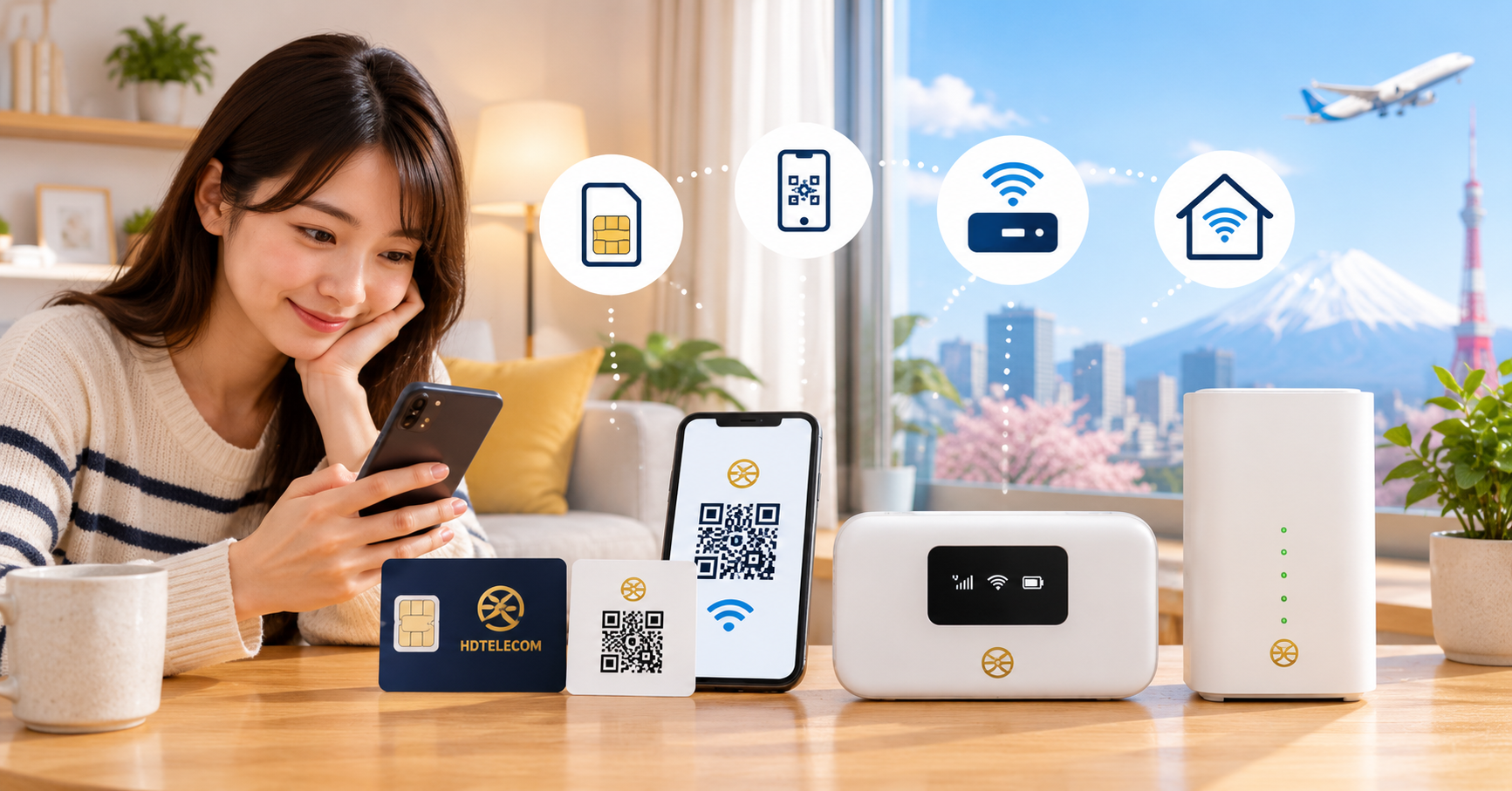
This article covers all four product groups: monthly data SIM, 12-month prepaid SIM, monthly eSIM, and pocket WiFi.
Cases where this does NOT apply
This article does not cover the following situations:
- You haven't ordered yet and are still comparing plans. In this case, check the product list first to choose the right plan.
- You bought a SIM from another carrier (Docomo, SoftBank, Rakuten, other shops). Their order confirmation, payment, and support process are completely different — contact the seller directly.
- You need to cancel or change a plan for an order you've been using for several months. Contact support directly for this, as it's handled case by case.
- You're dealing with a complex technical issue such as a phone locked to a foreign carrier (SIM lock) or a broken SIM tray. These issues are mostly related to the device, not the SIM.
Steps to follow after placing an order
Below is the standard process. Depending on the product you chose, some steps may not apply.
Step 1: Check your email or confirmation message
Right after ordering, our system or staff will send you order confirmation details, including: order code, plan name, total amount, and payment instructions.
What you need to do:
- Check your Spam / Promotions / Junk folder as well — automated emails often get filtered there.
- Check Zalo, Facebook, or LINE messages if you ordered through these channels.
- Take a screenshot or save your order code. Any future contact will be much faster if you have this code ready.
- Carefully re-check the plan name, data amount, and delivery address. If anything is wrong, report it the same day — fixing it before packing is much easier than after the item has been shipped.
Step 2: Complete your payment
Orders are only processed once payment is confirmed. This is the step most often delayed, usually because of an incorrect transfer reference.
Important rules:
- Transfer the exact amount — don't round up or down. Even a difference of a few dozen yen can cause a mismatch when reconciling.
- Write the correct transfer reference as instructed: usually the orderer's name (in katakana for domestic transfers) or the order code.
- If someone else transfers on your behalf, the name shown on the statement will be theirs, not yours. Message support right away: "My order is ABC, and the transfer was made under the name XYZ."
- After transferring, take a screenshot of the receipt (bank app screen or ATM slip) and send it to support. This significantly speeds up confirmation.
- Keep in mind Japanese bank operating hours: transfers made after business hours, on weekends, or holidays may not reflect in the account until the next business day.
For payment method details and account information, see the support page.
Step 3: Submit documents (if required)
For data SIM, eSIM data, and pocket WiFi, the process is generally simple, with some plans requiring no documents at all. However, additional documents may still be requested depending on the campaign and contract terms.
When photographing your documents, make sure all 4 corners are visible, text is clear, there's no glare, and no numbers are covered. Blurry photos are the most common reason for a one-day delay.
Step 4: Confirm your address and mailbox name
Many people skip this step and end up waiting weeks. In Japan, mail carriers deliver based on the name shown on the mailbox and apartment nameplate. If the recipient's name isn't on the mailbox, the package is very likely to be returned to the depot.
Please check:
- Does the address include the room number (号室)? Missing room numbers is a very common error for apartments (アパート/マンション).
- Is your name posted on the mailbox (ポスト)? If you're sharing a place, add your name next to the contract holder's name.
- Is the 7-digit postal code (郵便番号) correct?
- If you're usually out all day at work, consider using an address where you're sure to receive deliveries, or track the shipment number to reschedule delivery.
Step 5: Receive your SIM/device or eSIM QR code
Depending on the product:
- eSIM: you'll receive a QR code or activation code via email/chat. This code usually can only be scanned once — don't delete the eSIM after installing it.
- Physical SIM: delivered by mail, including the SIM card and an APN setup instruction sheet.
- Pocket WiFi: you'll receive a box containing the WiFi router, charging cable, and a sheet with the network name (SSID) and password. Check that all accessories are included as soon as you open the box.
Step 6: Set up and check your connection
For physical SIM:
- Turn off your phone.
- Use the SIM eject tool to open the tray and insert the SIM in the correct direction.
- Turn the phone back on and wait for signal.
- Go to mobile network settings and add a new APN exactly as shown in the instructions (APN name, username, password, authentication type).
- Select the newly created APN, turn on mobile data, and restart the phone once.
For eSIM:
- Connect to WiFi (required — installing an eSIM needs internet access).
- Go to your phone's eSIM settings, choose to add a plan, and scan the QR code.
- Give the eSIM a label to distinguish it from your old SIM.
- Set the eSIM as your primary mobile data line.
- Enter the APN if prompted, then restart the phone.
For pocket WiFi:
- Fully charge the battery before first use.
- Turn it on and wait for the signal indicator light.
- On your phone/laptop, find the network name printed on the device or its label, and enter the password.
Step 7: Test the actual connection
Don't just check the signal bars. Turn off WiFi and try:
- Opening any website in your browser.
- Watching a short video to check real-world speed.
If everything works, you're done. If not, check the "Common Issues" section below before contacting support.
Step 8: Note your renewal date
For monthly plans, you need to pay on time to avoid service interruption. Set a phone reminder 3–5 days before your renewal date. For the 12-month prepaid plan, note the expiration date so you can renew or switch plans in time.
Documents to prepare
The required documents vary by product:
| Product | Commonly required documents |
|---|---|
| Monthly data SIM | Contact information; some plans require a photo of your residence card |
| 12-month prepaid SIM | Contact information, delivery address |
| Monthly eSIM | Contact information, device model (to check eSIM compatibility) |
| Pocket WiFi | Contact information, delivery address, and device return address |
Identity verification when purchasing a SIM with a phone number is required by Japanese law. All providers must comply with this.
Costs
After placing an order, you may need to pay for:
- Plan fee: varies by data amount and product type. Check exact pricing on the product page.
- Initial fee / SIM issuance fee: some plans include this, others waive it depending on current promotions.
- Shipping fee: applies to physical SIM and WiFi. eSIM has no shipping fee since it's delivered via email.
- Bank transfer fee: this is charged by your bank, not by HD Telecom. Interbank transfers in Japan typically cost a few hundred yen; many online banking apps offer a few free transfers per month.
- Monthly renewal fee: for monthly plans, paid regularly each cycle.
- Other possible fees: such as SIM replacement if lost, eSIM QR code reissuance, or compensation for damaged/lost WiFi devices. Ask about this beforehand if you travel frequently.
This article doesn't list specific figures since pricing changes with promotions. Please refer to the amount in your order confirmation email — that's the exact figure for your order.
Timeline and processing time
Reference timeline, counted from when payment is confirmed (not from when you place the order):
| Step | Reference time |
|---|---|
| Order confirmation | Usually within the same business day |
| Bank transfer confirmation | After funds arrive in the account; transfers made outside business hours or on weekends may take until the next business day |
| eSIM QR code delivery | Fastest among all products, usually within the same business day |
| Physical SIM/WiFi delivery | About 1–3 business days depending on area; remote areas, Hokkaido, Okinawa, and islands may take longer |
| Activation and connectivity | Right after inserting the SIM and setting up the correct APN, usually within minutes |
During New Year's, Golden Week, Obon, or bad weather, Japan Post deliveries are usually slower than normal. If you need connectivity urgently, eSIM is the fastest option since there's no shipping wait.
Where to submit / where to complete each step
You don't need to go anywhere — the entire process after ordering can be done remotely:
- Payment: via banking app, ATM, or other methods listed in the confirmation email. Detailed instructions are on the support page.
- Document submission: take photos and send them through the contact channel specified by support. Never send your ID to an unfamiliar account or unofficial channel.
- Receiving your item: at your registered address, via mail. If you're not home, the carrier will leave an absence notice (不在票) — scan the code on it to reschedule delivery.
- Receiving eSIM: via email or message, no physical address needed.
- In-person support: HD Telecom is located in the Shin-Okubo area, Tokyo. If you're nearby and need setup help, please contact us in advance to schedule a time instead of dropping by unannounced.
Common issues
Payment-related
- Incorrect transfer reference. Missing order code or mismatched name makes it hard for staff to identify whose payment it is. Solution: send a receipt photo along with your order code.
- Insufficient amount due to bank fees. Check the amount actually received, not just what you entered.
- Assuming the order is complete once placed. An unpaid order won't be processed, even if all information is filled in.
Delivery-related
- Missing room number or name not on the mailbox → the package gets returned, requiring re-shipment and possibly extra fees.
- Not collecting the package within the post office storage period → the package is returned to sender. If you receive a 不在票 notice, reschedule delivery right away.
- Recently moved but forgot to update the address.
Setup-related
- APN not set up. This is the number one cause of "having signal but no internet access." Go back into settings and enter the APN exactly, character by character, including case sensitivity.
- Forgetting to turn on mobile data or having airplane mode on.
- Device is SIM-locked. Phones bought abroad or on installment from another carrier may not accept the SIM. You'll need to unlock it through the original carrier.
- Scanning the eSIM QR code multiple times or deleting an installed eSIM. The QR code usually only works once; if deleted, you'll need to request a reissue, which may incur a fee.
- Ordering an eSIM for an incompatible device. Check your device model before ordering. If you've already ordered by mistake, contact support early to switch to a physical SIM.
- Selecting the wrong data line on dual-SIM phones — the phone keeps using the old, expired SIM.
Document-related
- Blurry photos, missing corners, or covered ID numbers.
- Expired residence card or renewal in progress without a new card yet.
- Name on documents doesn't match the name registered on the order (abbreviations, missing middle name, or reversed name order).
Frequently Asked Questions
I placed an order but didn't receive a confirmation email — what should I do?
Check your Spam and Promotions folders first. If it's still not there, you may have entered the wrong email address. Contact us via the support page with your name, phone number, and order time so we can look it up.
I've made the transfer — how long until my item is shipped?
Orders are usually processed within the same business day after payment is confirmed. Transfers made in the evening, on weekends, or holidays may take longer to reflect, so processing time is counted from the next business day.
Is it okay to have a friend make the transfer for me?
That's fine, but you must let us know in advance who made the transfer, since the name on the statement will be theirs. Sending a receipt photo along with your order code is the fastest way to confirm this.
How long until my eSIM is active?
eSIM is the fastest option since there's no shipping wait. Once payment is confirmed, you'll receive a QR code via email/chat — scan it, set up the APN, and you're ready to go. Make sure to stay connected to WiFi during setup.
My phone has signal but no internet — what's wrong?
This is most likely due to a missing or incorrect APN setting. Go to mobile network settings, create a new APN exactly as instructed, select it, then restart your phone. If it still doesn't work, check whether your device is SIM-locked.
I'll be out all day — what happens if no one's home to receive the package?
The carrier will leave an absence notice (不在票) in your mailbox. Scan the QR code or call the number on the notice to reschedule delivery. If the storage period expires, the package will be returned to sender.
Can I change my plan after placing an order?
If the order hasn't been packed or shipped yet, changes are usually possible. Contact us as soon as possible. Once the item has been shipped, changing plans becomes more complicated and may involve additional costs.
Can I make phone calls with a data SIM?
A data SIM is for internet access only — it doesn't come with a Japanese phone number for calls or SMS. You can still make calls through apps like Zalo, Messenger, or LINE. If you need a Japanese phone number for banking, work, or administrative procedures, you'll need a voice-call SIM from a mobile carrier.
What if I lose my SIM or damage my WiFi device?
Contact support right away for guidance on SIM reissuance or device handling. Lost SIMs/devices usually incur a fee, which varies by product and condition.
References
- HD Telecom's payment, transfer, and support contact guide — support page.
- Plan details, pricing, and terms for each product — product page.
- Japan's Ministry of Internal Affairs and Communications (総務省 / MIC): regulations on user identity verification when signing up for mobile phone services (Act on Prevention of Unauthorized Use of Mobile Phones — 携帯電話不正利用防止法).
- Japan Post (日本郵便): regulations on delivery, absence notices (不在票), and package storage periods at post offices.
- APN and eSIM setup instructions included with each order.
Internal processes, fees, and processing times may change depending on the period and current promotions. For matters related to identity documents and residence status, please verify with the relevant authorities (Immigration Services Agency, local government office) if there are any issues with your residence card status.
Last reviewed
This article was last reviewed in June 2025. If you're reading this well after that date, please check the latest pricing and processing times on the product page and support page, as those are updated first.
Need further assistance?
If you've placed an order and are waiting, just remember three things: make the correct transfer with the right reference, submit clear documents, and make sure your name is on the mailbox. Do these three things and your order will go smoothly.
If you're still unsure which option to choose, here are some suggestions:
- Monthly eSIM — the fastest option, no shipping wait, ideal for newcomers who need connectivity urgently.
- Monthly data SIM — flexible, good if you're not sure how long you'll be staying in Japan.
- 12-month prepaid SIM — pay once, no need to worry about monthly renewals.
- Pocket WiFi — shared across multiple devices, great for shared housing or laptop users.
If you have any questions about your order, just message us with your order code via the support page — having the order code ready makes everything much faster to resolve.
Related products
Find your plan with HD TELECOM
SIM, eSIM and Pocket WiFi — genuine quality, clear pricing, 24/7 support.